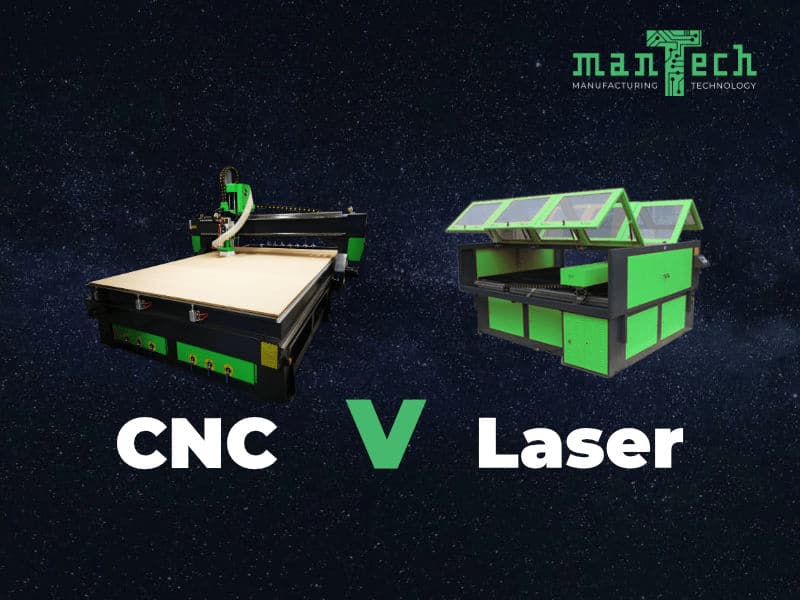
UK buyers ask this question constantly: should we buy a CNC router or a CO2 laser machine? In some cases there is a clear answer from the material and geometry. In others there is a strong case for running both. This guide explains how each machine works, which materials and toolpaths they favour, the practical trade-offs, and how to decide without guessing from brochure headlines.
Material and toolpath decide the platform — thick nested panels and pockets favour CNC; fine acrylic and engraving favour CO₂. Compare ranges on the CNC hub and CO₂ hub, and use the applications hub when signage or education workloads span both processes.
The short answer: material, geometry and finish
- Thick panels, pocketing, drilling, V-cuts, bevels and 3D tooling paths usually point toward a CNC router.
- Fine kerf cutting and engraving on acrylic, thin timber, card, fabric, leather and many non-metal sheets usually point toward a CO2 laser.
- Polished acrylic edges in one laser pass often favour CO2; deep routing and nested board work favour CNC.
- Noise limits, consumable tooling versus tube/optics upkeep, and daily batch size all tip the decision.
- Some workshops run both — router for structure and thickness, laser for detail and engraving.
Compare live ranges on the CNC router hub and the CO2 laser hub. If sheet metal dominates your quoting, read CNC router vs fibre laser instead — fibre is the metal production route, not CO2.
What is a CNC router?
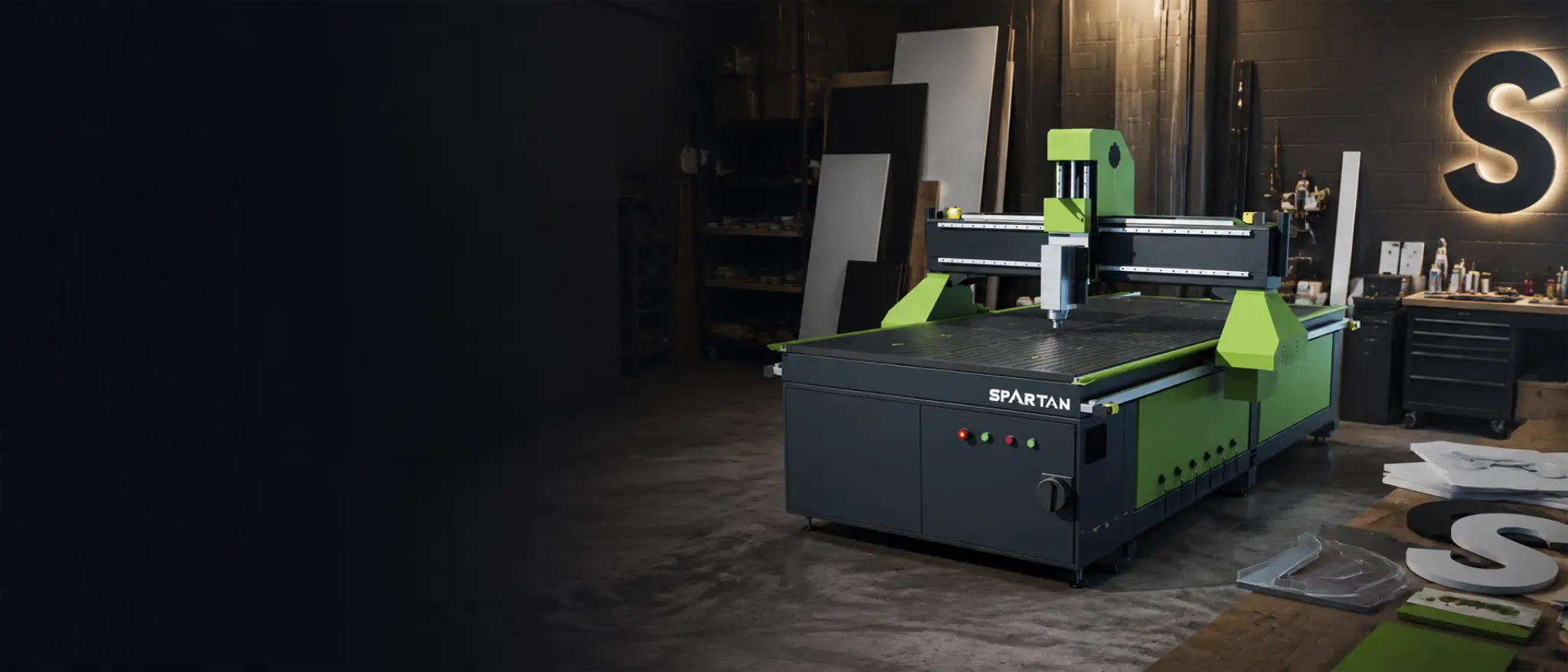
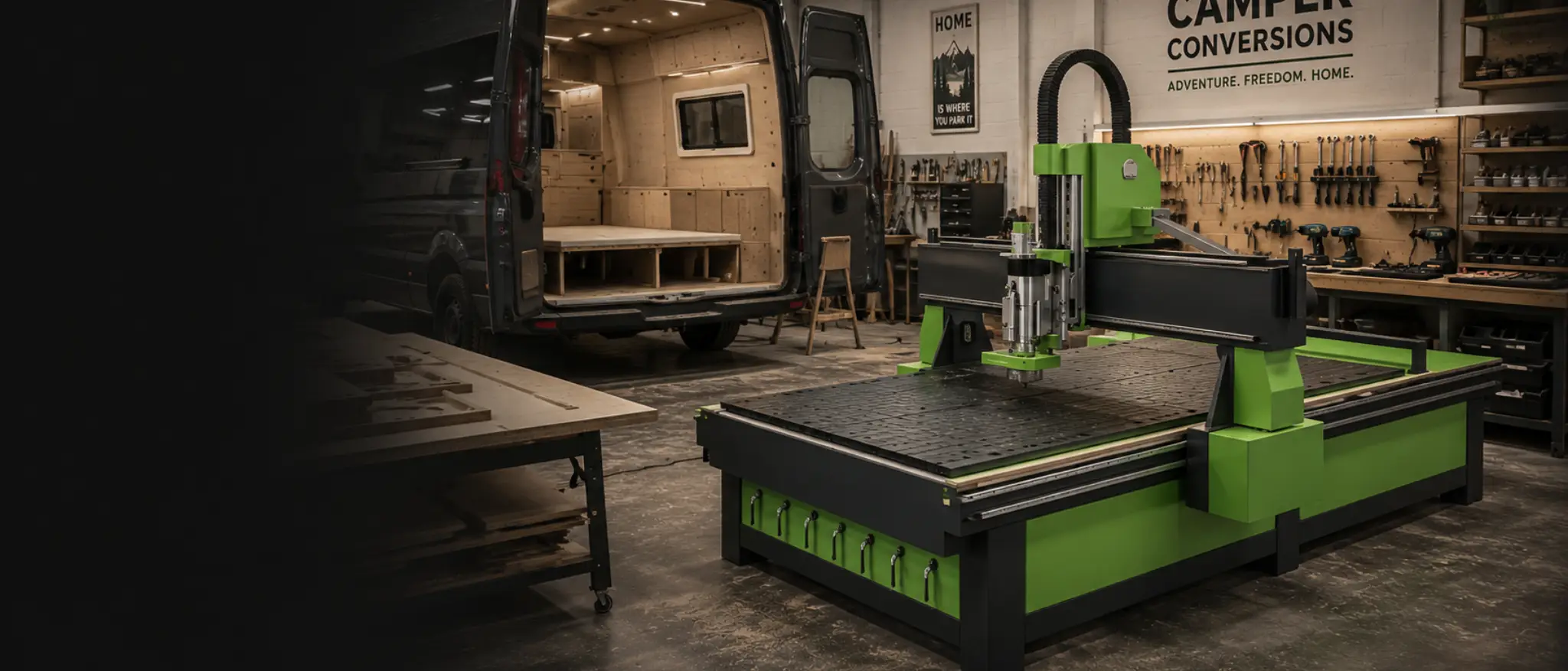
A CNC router is a rigid framed machine with a phenolic or vacuum bed, a gantry that travels on linear rails (X/Y), and a spindle head that plunges on the Z axis. Motors — stepper, hybrid or servo — drive the gantry and head. CAD/CAM software generates toolpaths; the machine runs profile, drill, pocket, engrave, V-cut, bevel, prism and 3D engraving paths with interchangeable cutters. Many platforms use hand pendants or PC-based control. Extraction lifts swarf from the cut. Supply can be three-phase for best performance, or single-phase where three-phase is unavailable.
- Plywood and hardwood.
- Aluminium and brass within rated tooling and spindle capability.
- Acrylic, HDPE, polycarbonate and many plastics.
- Board, composite and nested sheet work across cabinetry, signage and fit-out.
Entry buyers often start on Spartan CNC; production multi-tool work steps to Falcon ATC. Walk selection in the CNC buyer's guide.
What is a CO2 laser machine?
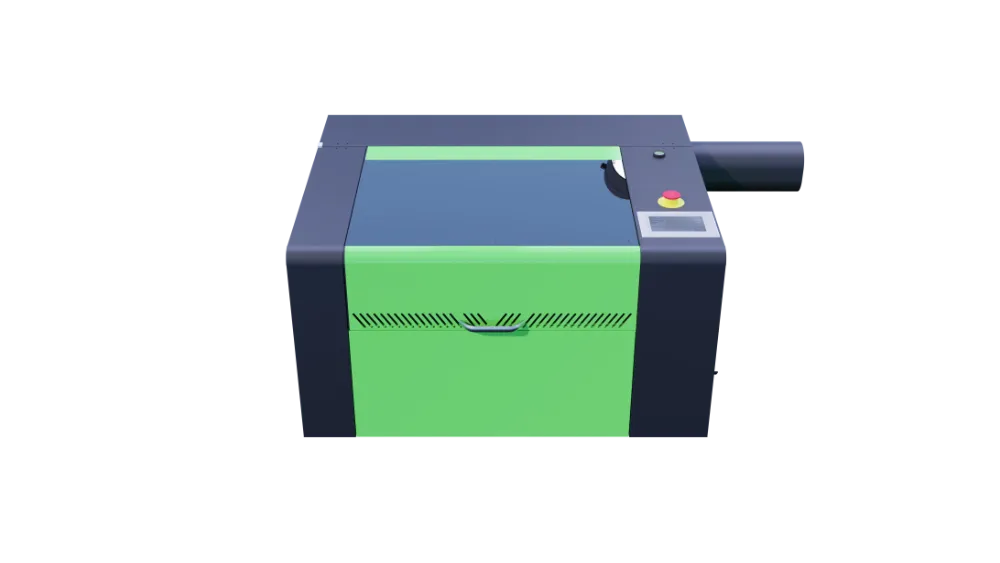
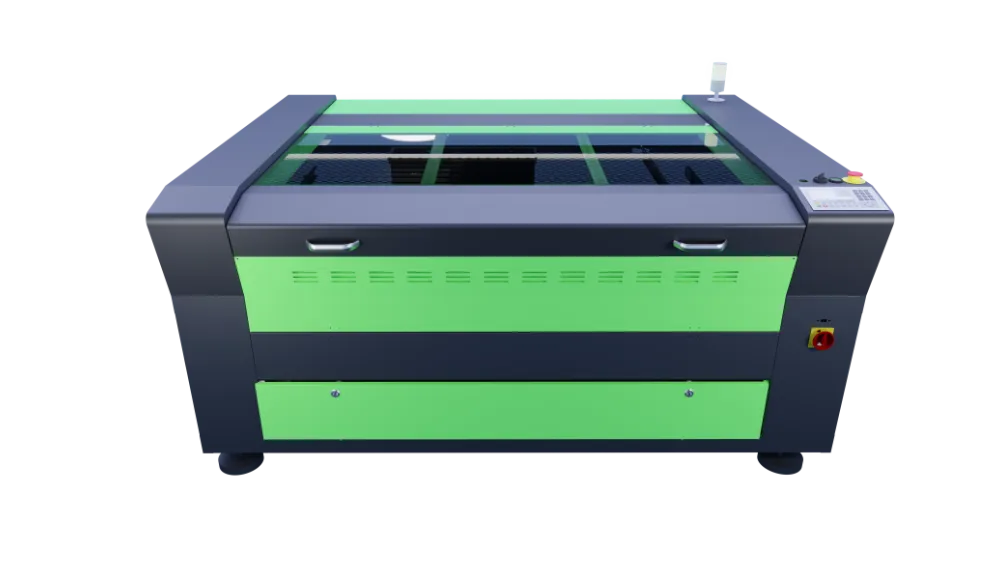
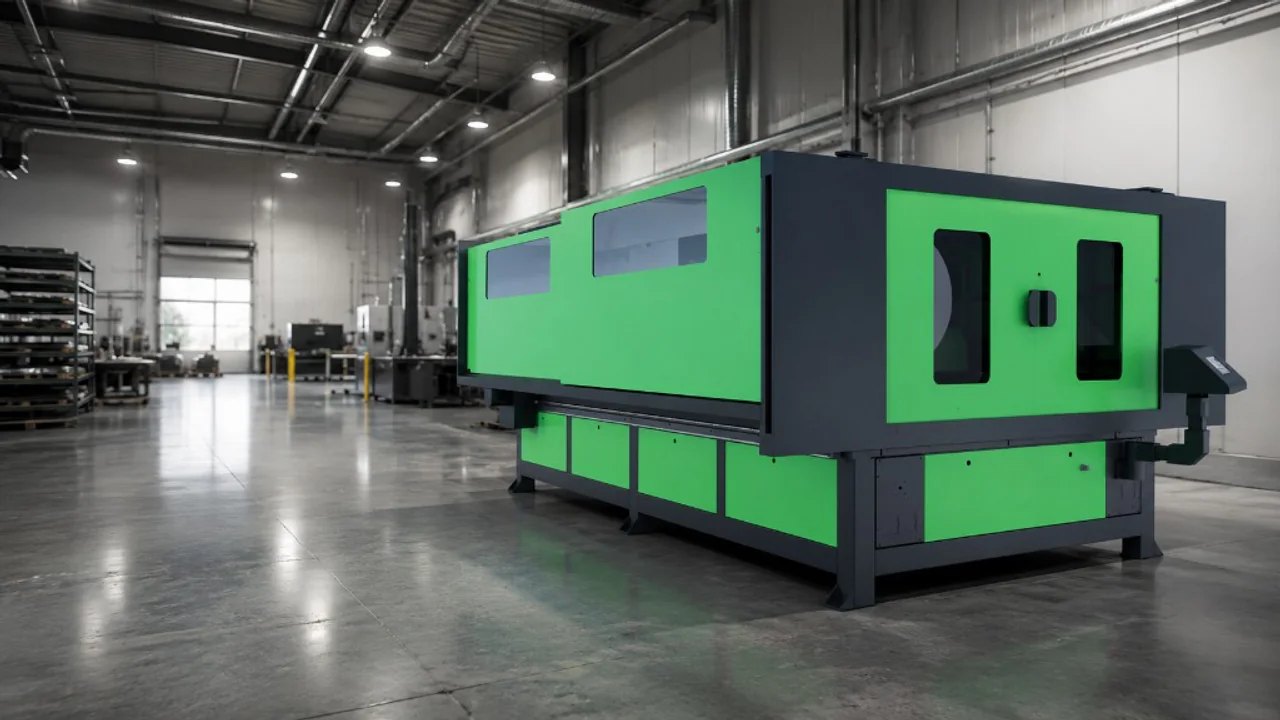
CO2 laser cutters and engravers are versatile non-metal platforms. A high-voltage supply drives a sealed glass laser tube (water-cooled), and mirrors route the beam to a lens that focuses energy onto the sheet. Beds are typically removable slat or honeycomb tables. Motors are stepper or servo driven. Protective lids should interlock so opening stops the beam. Extraction is either vent-to-atmosphere or a self-contained filtration unit with charcoal and particulate stages. LightBurn is the everyday software path on Lasertech supply packages.
- Acrylic, wood, card, paper, fabric, leather, rubber and many craft or display stocks.
- Engraving and fine kerf cutting where a spindle and tooling stack would be slower or coarser.
- Education, maker, signage and workshop production on Desktop, Pro and Large Format beds.
Materials you should not laser-cut without supplier confirmation
Some stocks create dangerous dust or gases under a CO2 beam. Always confirm laser suitability with the material manufacturer or supplier. This list is not exhaustive.
- PVC — never process with a laser cutter; it forms hydrochloric acid.
- Polycarbonate — cuts very badly on typical CO2 setups.
- MDF — only when it is a very low-formaldehyde type approved for laser work.
- Plywood with formaldehyde content — check grade and supplier guidance.
- Carbon fibre or fibreglass.
- PTFE / Teflon.
- Materials containing halogens such as fluorine, bromine, chlorine or iodine.
- Materials containing epoxy or phenolic resin.
Plan extraction early — compare Lasertech Pro and Desktop filtration options, and read the CO2 maintenance guide for tube, mirror and upkeep rhythm.
Decision matrix: CNC router or CO2 laser?
| Buyer question | CNC router route | CO2 laser route | What it means |
|---|---|---|---|
| Main geometry | Pockets, drills, V-cuts, bevels, 3D tooling, nested board | Fine kerf profiles and surface engraving | Toolpaths decide as much as material names |
| Everyday materials | Timber panels, plastics, composites, light metals with tooling | Acrylic, thin timber, card, fabric, leather, rubber | Start with the stock you quote every week |
| Edge finish on acrylic | Often two passes or a polishing tool | Polished edge possible in one laser pass | Finish requirements tip toward laser for display acrylic |
| Thickness / clearance | Higher gantry clearance for thick stock | Limited by bed, focus and tube capability | Thick structural parts usually stay on the router |
| Noise and site limits | Vacuum, spindle and extraction can be loud | Quieter in operation than many CNC cells | Noise-restricted rooms often favour CO2 |
| Consumables | Cutters wear and need a tooling range | Tube, mirrors and lenses are lifetime items | Budget for the consumable model you will live with |
| Speed on comparable thin sheet | Often faster on thick panel nests | Can be slower but needs no cutter library | Compare your actual nests — not brochure peak demos |
| Best next page | CNC hub + buyer’s guide | CO2 hub + wattage guide | Or dual-machine plan when both workloads are real |
Pros for CNC routers
- Extremely versatile across board, timber, plastics and many composites.
- Small to large cutting areas across entry and production platforms.
- Huge tooling range — profile, drill, pocket, engrave, V-cut, bevel, prism and 3D engraving.
- Process thick materials with (usually) much higher gantry clearance than a CO2 laser.
- Faster cutting speeds on many nested panel jobs — shorter production times.
- Automatic tool change options on ATC platforms.
- Automation and consistency of produced parts.
- Reduce waste by nesting parts on full sheets.
Pros for CO2 laser machines
- Material versatility on approved non-metal stocks.
- Polished edge cuts on acrylic in one pass — CNC often needs a second pass or polishing tool.
- Reduced noise in operation versus many CNC cells.
- Excellent repeatability on engraving and fine profiles.
- A range of cutters is not needed to run the machine.
- Reduced waste from fine kerf nests.
- Often a lower initial purchase price than a comparable production CNC cell.
CNC router cons
- Noise from vacuum pumps, extraction and some materials.
- Tool replacement — cutters do not last forever.
- Steeper learning curve — toolpaths, CNC best practice and CAD/CAM.
- Skilled labour shifts toward programming and tooling discipline.
- Cutting many material types generally needs a range of tools.
- Higher upfront cost on production platforms.
CO2 laser cons
- Slower than CNC on many thick panel nests.
- Certain materials are dangerous to cut — confirm with your supplier.
- Cut and engrave only — no pocketing, drilling or complex CNC toolpaths.
- Burns the edges of certain woods — leave as a feature or sand as an extra step.
- Laser tube and mirrors are consumables and need replacement through life.
So, do you buy a CNC router or a CO2 laser?
It is rarely as simple as picking the machine with the nicer brochure photo. Ask what processes and materials you run every week. Do you need tooling versatility, or the simplicity of a laser? Do you have noise restrictions? Most of the time a CNC router processes thick nested jobs faster, but you must hold cutters; a laser needs one “tool” but slower thick-panel throughput and different consumables. There is also a clear use case for both machines when manufacturing needs structural routing and fine laser detail.
Mantech can help you decide from the work you run every week — explore Spartan, Falcon ATC and Apollo M on the CNC side, and Desktop, Pro and Large Format on the CO₂ side. Use the CNC ROI calculator or the CO₂ parameter guide once you know which process fits, then call 0121 541 1444 for an engineer-led shortlist.
Useful next reads
- Best CNC routers in the UK — buyer’s guide
Spartan, Falcon and Apollo compared for real nest sizes and production roles.
- CNC router ROI calculator
Sense-check payback when routing looks like the right process.
- CO₂ laser parameter guide
Starting cut and engrave settings once a CO₂ platform is on the shortlist.
- Choosing CO2 laser cutter wattage
Match tube power and bed size to everyday non-metal work.
- Laser cutter for wood — complete guide
When timber cutting and engraving belong on CO2 versus a router.
- CNC router vs fibre laser
If metal sheet is in the mix — fibre, not CO2, is the production metal route.
- 5 things when choosing a CO2 laser
Bed size, software, extraction and support beyond wattage alone.
- Applications hub
Map sign making, education, plastics and woodworking to machine families.
Frequently asked questions
Should I buy a CNC router or a CO2 laser first?
Start with the jobs you quote every week. Thick panels, pockets, drills and 3D toolpaths favour a CNC router. Fine acrylic, engraving and thin non-metal sheet favour a CO2 laser. If both workloads are real and recurring, plan for dual platforms rather than forcing one machine to do the other's job.
Can a CO2 laser replace a CNC router for wood?
Only for thin sheet cutting and engraving where a burned edge is acceptable or planned. Deep pockets, joinery tooling paths, thick panel nests and high gantry clearance still belong on a CNC router. Many wood workshops keep both.
Is acrylic better on CNC or CO2?
CO2 often wins when you want a polished edge in one pass and fine lettering. CNC wins for thick acrylic blocks, pocketed trays and tooling paths a laser cannot cut. Match the finish and geometry — not the material name alone.
What materials should I never put under a CO2 laser?
Never process PVC — it forms hydrochloric acid. Confirm every stock with the supplier. Crawl-backed caution also covers poorly suited polycarbonate, high-formaldehyde MDF/plywood, carbon fibre, fibreglass, PTFE, halogenated materials and epoxy/phenolic resins. The list is not exhaustive.
Do I need both a CNC router and a CO2 laser?
When your quoting spans structural nesting and fine laser detail, dual machines give the best of both worlds. Capital and floor space decide timing — Mantech can sequence entry CNC or Desktop CO2 first, then step up when utilisation proves the second platform.