Wood has been one of the most versatile materials in workshops and studios — furniture, décor, prototypes, gifts and display work. A CO2 laser cutter opens precise cutting and engraving on suitable timber stocks for individuals and small businesses alike. From launching a personalised gift line to producing custom furniture details, the right laser platform helps makers bring unique designs to life — when material grade, extraction and bed size match the job.
Wood laser work lives on CO₂ — match bed size and wattage before you chase peak thickness demos. Position Desktop, Pro and Large Format on the CO₂ hub, dial settings in the parameter guide, and read CNC vs CO₂ when thick panel nesting belongs on a router instead.
What is a laser cutter for wood?
A laser cutter for wood is typically a CO2 laser platform: a sealed tube delivers infrared energy through mirrors and a focusing lens onto the sheet. On approved timber, plywood and low-formaldehyde MDF it can cut profiles and engrave surface detail without a rotating spindle. Fibre lasers remain the metal production route — they are not the everyday answer for wood craft and signage. CNC routers still win for thick panels, pockets, joinery tooling and nested board work a laser cannot do.
Compare Lasertech CO2 platforms and, when nesting thickness dominates, the CNC router hub. Read CNC routers or CO2 laser machines when both processes are on your shortlist.
What types of wood can be laser cut?
Suitability depends on species, glue and resin content, moisture, thickness and whether you are cutting or engraving. Always confirm laser safety with the board or timber supplier — formaldehyde-heavy sheets and some composites are poor or unsafe laser candidates.
Plywood
Plywood is popular for models, décor and light structural parts. Laser results vary with glue lines and formaldehyde content. Prefer laser-rated or low-emission grades; untreated or high-formaldehyde plywood can produce hazardous fumes and uneven cuts. Test a scrap sheet before production nests.
MDF (Medium Density Fibreboard)
MDF engraves cleanly for signage and décor when it is a very low-formaldehyde type approved for laser work. Standard construction MDF is often unsuitable. Extraction must handle fine dust and fumes — plan filtration or ducting before install day.
Solid woods (e.g. oak, birch, maple)
Hardwoods engrave with strong contrast and cut well at modest thicknesses. Density and grain affect feed rates and edge char. Deeper structural parts usually move to a CNC router; lasers shine on detail, inlays and thinner decorative stock.
Softwoods (e.g. pine)
Softwoods cut and engrave readily but resin and grain can cause uneven edges or heavier charring. Use tested parameters, good airflow and scrap trials. Sanding may be needed if a clean edge is required for furniture-grade work.
Cutting versus engraving wood
- Cutting — full kerf through the sheet for letters, models, inlays and nested parts within rated thickness.
- Engraving — surface ablation for logos, textures and personalised gifts without cutting through.
- Edge char — lasers burn timber edges; leave as a design feature or plan a light sanding step.
- Extraction — fumes and fine dust need vent-to-atmosphere or Purex/BOFA-style filtration matched to the room.
Dial starting settings in the CO2 parameter guide and match wattage on choosing CO2 laser wattage.
What can you make with a laser cutter for wood?
- Signage and lettering — precision-cut letters and logos with sharp detail.
- Furniture and joinery — cutting joints, inlays and bespoke decorative designs.
- Engraved gifts — from cutting boards to decorative plaques.
- Architectural models — accurate scaling and detailing for architects and designers.
- Retail displays — point-of-sale stands and branded installations.
Advantages of using a laser cutter for wood
- Precision and detail — designs with millimetre-level accuracy.
- Consistency — identical pieces reduce costly errors on repeat batches.
- Reduced waste — fine cutting reduces offcuts and optimises material use.
- Versatility — cuts, engraves and etches in one system.
- Speed and efficiency — faster than many traditional hand woodworking tools on fine detail.
Wattage and bed size: Desktop, Pro or Large Format?
| Platform | Typical wood buyer | Bed / power cue | Buyer note |
|---|---|---|---|
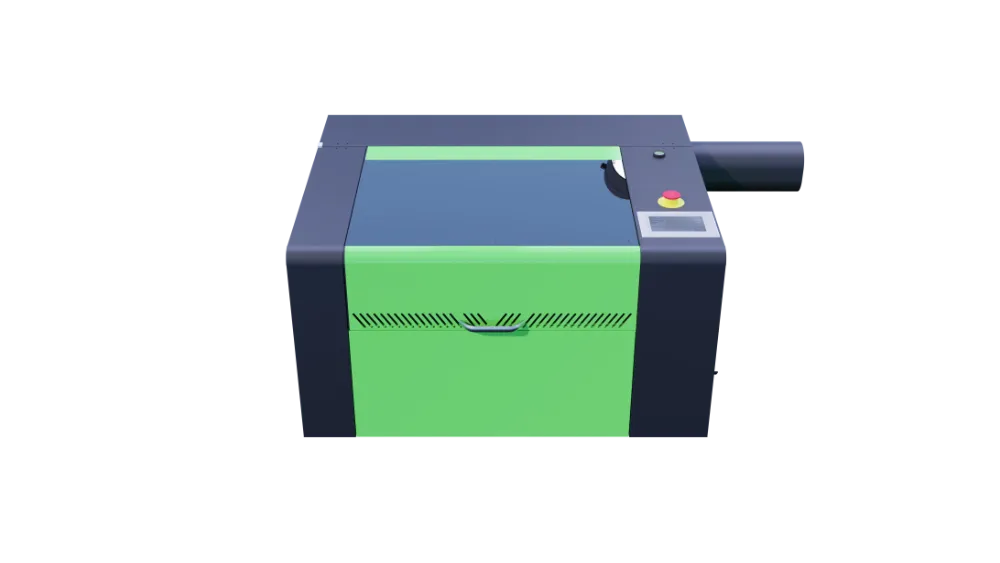
| Lasertech Desktop | Education, craft, gifts and light prototyping | Compact beds · 80W RECI | Enclosed Class 1-style cabinet workflows for supervised rooms |
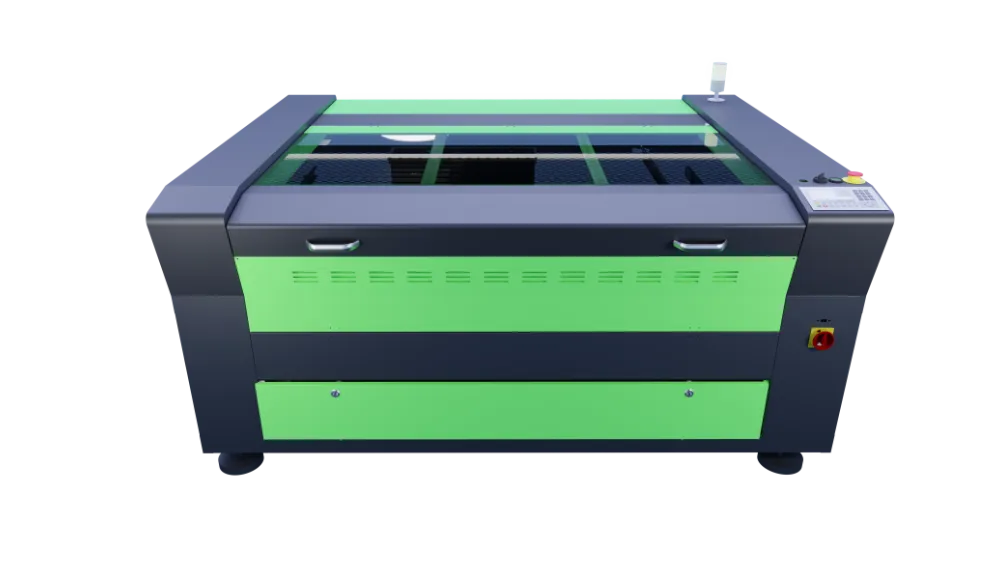
| Lasertech Pro | Daily workshop signage, décor and mid-volume timber jobs | 4060–10160 · 80W standard with 100W/130W upgrades | Step up when daily hours and sheet size outgrow desktop |
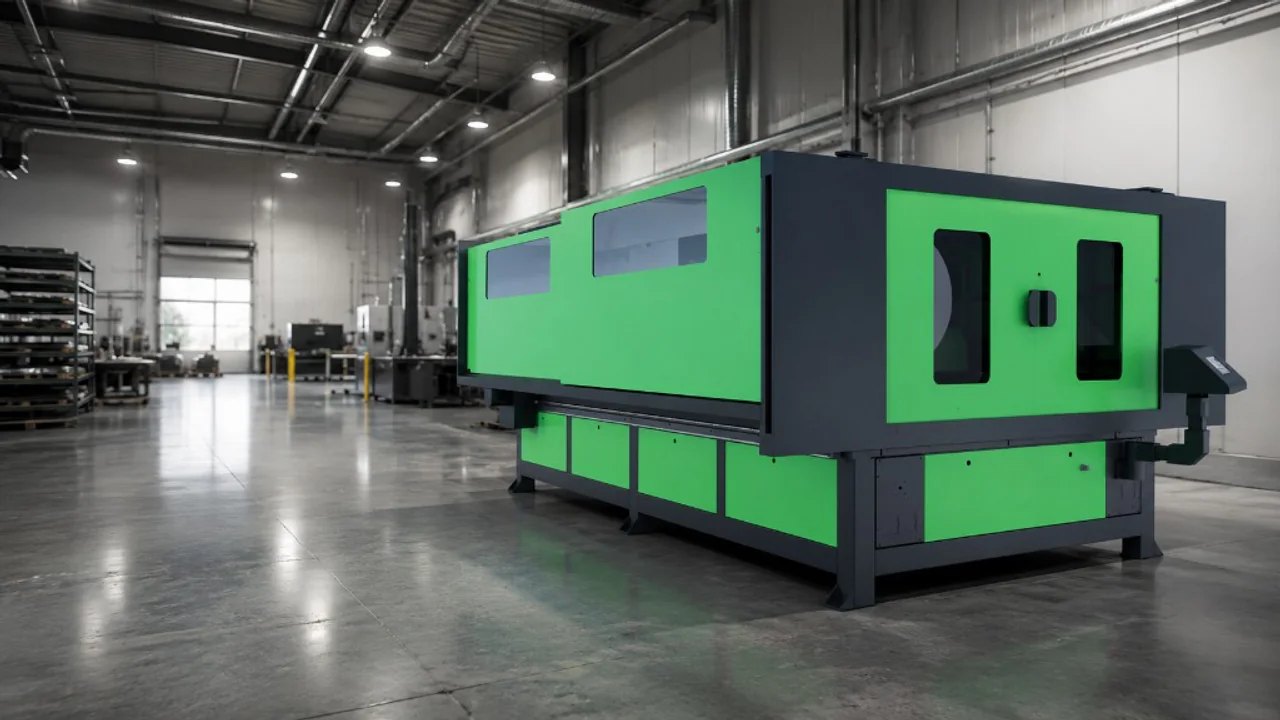
| Lasertech Large Format | Oversized panels, exhibition and production sheet nests | LF1325–LF2030 · 150W RECI | When fascia-scale timber or sheet nests need full-format beds |
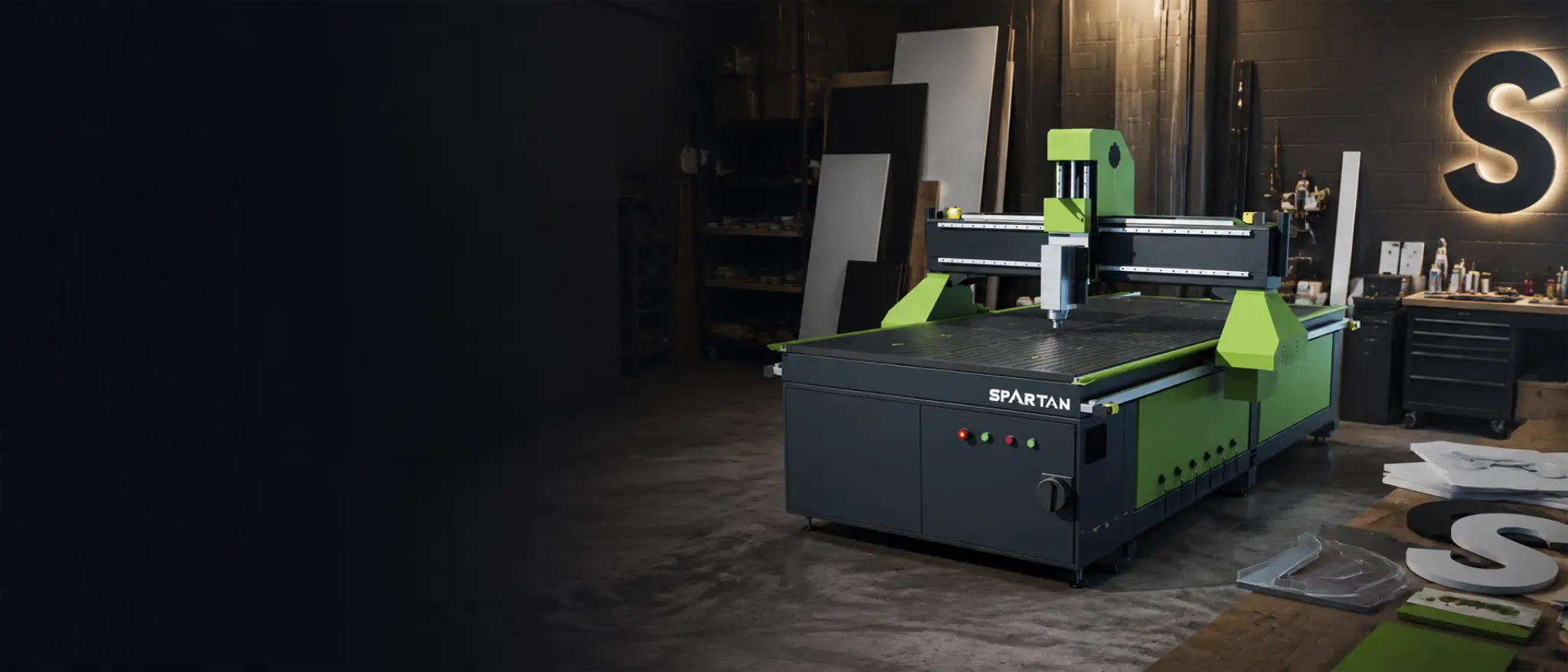
| CNC router (Spartan+) | Thick panels, pockets, joinery tooling, nested board | Full sheet nests · spindle tooling | Use when laser edge char or thickness limits block production |
Explore Desktop, Pro and Large Format, or start routing on Spartan CNC.
CO2 laser or CNC router for wood?
Choose CO2 when engraving, fine letters and thin sheet profiles dominate. Choose a CNC router when thickness, pocketing, vacuum nesting and tooling paths dominate. Many UK workshops run both — laser for detail and personalisation, router for structure.
Walk the full trade-off in CNC routers or CO2 laser machines and map sectors on the applications hub.
Why invest in a laser cutter for wood?
If you are considering adding a laser cutter to your workshop or production line, take time to explore the different models and specifications available. Choosing the right system will not only enhance your capabilities but also future-proof your business — provided extraction, training and UK support are part of the install plan.
Call 0121 541 1444 or browse the CO2 laser hub to shortlist Desktop, Pro or Large Format for your timber mix. Schools and colleges can also review the education machinery hub.
Useful next reads
- Choosing CO2 laser cutter wattage
Match tube power to everyday timber thickness and run hours.
- CO2 laser parameter guide
Starting cut and engrave settings — refine on scrap of your own stock.
- CNC routers or CO2 laser machines
When wood work needs tooling paths and thickness a laser cannot deliver.
- Desktop CO2 for crafters and education
Compact enclosed platforms for maker and classroom timber jobs.
- CO2 laser maintenance guide
Protect tube life and optics once wood hours stack up.
- 5 things when choosing a CO2 laser
Bed size, software, extraction and support beyond wattage.
Frequently asked questions
Can you laser cut wood with a CO2 laser?
Yes — on suitable plywood, low-formaldehyde MDF, solid woods and softwoods within the platform’s tested thickness. Confirm glue and resin content with the supplier, plan extraction, and expect some edge char on cut edges.
What wood should I avoid on a CO2 laser?
Avoid PVC-coated boards and high-formaldehyde MDF or plywood not approved for laser work. Confirm every sheet with the manufacturer. When in doubt, test scrap and ask Mantech engineers before production.
Is laser cutting or CNC routing better for wood?
Lasers win for engraving and fine thin-sheet profiles. CNC routers win for thick panels, pockets, joinery tooling and full-sheet nests. Many workshops use both.
What wattage do I need to laser cut wood?
Match everyday thickness and daily hours — not peak demo cuts. Many craft and education buyers start on 80W Desktop or Pro entry; busier workshops step to 100W–130W Pro upgrades or 150W Large Format for oversized sheet. Use the wattage guide and parameter guide together.
Do I need special extraction for wood laser cutting?
Yes. Wood cutting and engraving produce fumes and fine dust. Plan vent-to-atmosphere or a dedicated filtration unit (Purex/BOFA-style) sized to the machine and room. Extraction is part of a safe install — not an optional accessory.