Every CO₂ laser needs extraction while it cuts or engraves. The beam turns a small amount of material into smoke, vapour and fine particles. That plume needs to leave the cabinet before it settles on the job, the optics and the inside of the machine.
The right setup depends on what you process, how many hours the laser runs and whether you can discharge outside. A sign shop cutting acrylic all day asks more of its extraction than a classroom engraving card for short sessions.
Start with the materials and weekly cutting hours. Compare Lasertech CO₂ machines, then plan floor space, ducting and services with the installation guide.
Compare extraction across Desktop, Pro and Large Format on the CO₂ laser hub. Keep filters and ducting in the maintenance routine. Classroom buyers can continue on the education machinery page.
Start with the materials, not the extractor
Two machines with the same bed size can need different fume control because the work is different. Give the supplier a realistic list of materials, thicknesses and weekly hours before choosing a fan or filter unit.
Acrylic
Acrylic cutting produces a strong vapour and a noticeable smell. Good capture helps keep the cabinet clear and protects the clean, polished edge that makes CO₂ useful for signs and display work. Long cutting runs place a heavier load on filters than occasional engraving.
Wood, plywood and MDF
Timber work produces smoke and fine residue. MDF and plywood also contain binders or adhesives, so they should not be treated as plain solid wood. Heavy engraving and charred cuts can load the first filter stages quickly and leave residue inside the cabinet if airflow is weak.
Card, paper and approved plastics
Card and paper can create a surprising amount of smoke during nested cutting. Plastics vary much more. Confirm the exact material before putting it under the beam; a plastic being easy to cut does not make it suitable for laser processing.
The CO₂ parameter guide gives starting settings for known materials. Use the material supplier’s identification and safety information when suitability is uncertain.
Outdoor venting or a filter unit
There are two common routes. One draws air from the laser and discharges it outside through ducting. The other draws the plume through a self-contained filter unit and returns treated air to the room.
| Route | Usually suits | Points to plan |
|---|---|---|
| Vent outside | Workshops with a practical external discharge route | Duct length, bends, outlet position and replacement air into the room |
| Filtered recirculation | Classrooms, shared labs and rooms where outside venting is impractical | Material mix, filter stages, replacement cost, noise and room position |
| Spark-arrest filtration | Lasertech M-CUT work that includes its approved thin-metal scope | Purex or BOFA package specified for the application; not a standard vent-only setup |
Lasertech Desktop, Pro and Large Format machines include vent-to-atmosphere extraction. That does not mean every room is ready for a hose through the nearest opening. The duct route and discharge point still need to be agreed for the site.
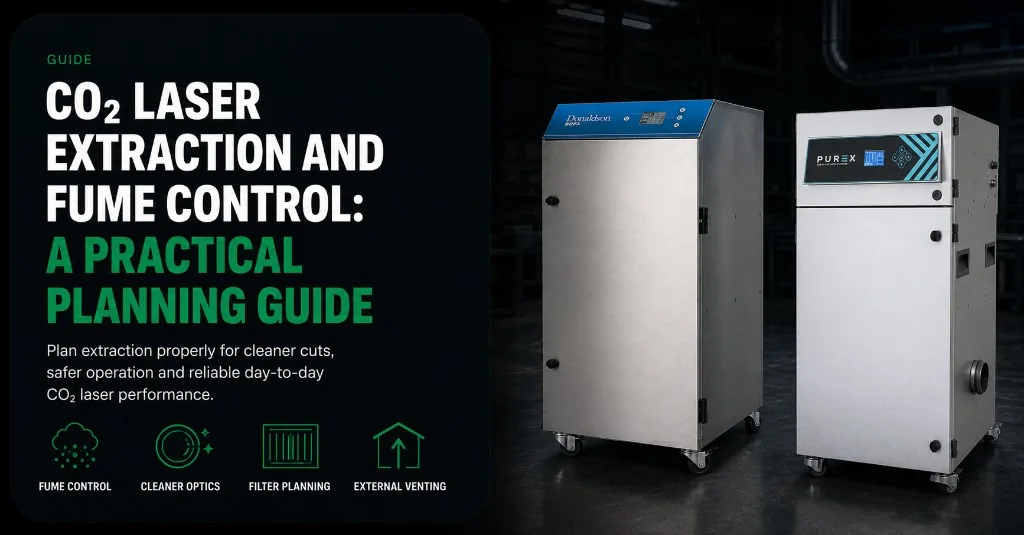
Where outside venting is not practical, Mantech can specify a Purex or BOFA unit. The make and configuration are chosen for the machine, materials and room. They should not be assumed to be part of the standard machine package unless the quotation says so.
What the filter stages do
A recirculating unit normally deals with two different parts of the plume: particles such as smoke and dust, and gases or odours released by the material. These need different filter media. A single coarse pad is not the same as a complete fume filtration system.
Exact filter grades and media belong in the supplier’s specification. They depend on the materials and airflow required by the machine. Ask what each stage is for, how the unit shows that a filter is loaded, and what a replacement set costs.
Desktop does not mean extraction is optional
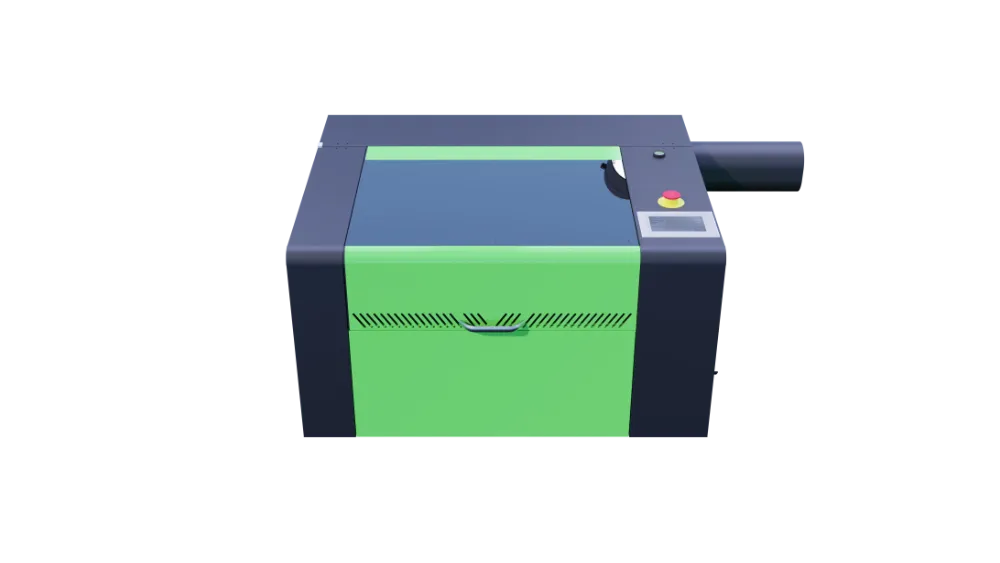
Lasertech Desktop machines are fully enclosed, but the enclosure still needs airflow. Their compact size makes them easier to place in a classroom or studio; it does not remove the smoke and vapour made at the cut.
A filtered unit is often the practical route where a school cannot make a permanent wall penetration or where the room is shared. Allow floor space for it, check the noise in the teaching area and leave access for filter changes.
Education teams can compare machine formats on the education machinery page and see the compact platform in the Lasertech Desktop range.
Ducting and room layout affect airflow
Long duct runs, tight bends and restrictions make a fan work harder. Plan the route while you choose the machine position. The shortest route is not always possible, but it should be deliberate rather than added after delivery.
- Measure the run from the machine outlet to the final discharge point
- Count bends and note any section that narrows
- Keep flexible hose supported so it does not sag or crush
- Leave room to inspect and clean the duct
- Place a filter unit where its inlet hose stays short and filters remain accessible
- Consider where replacement air enters when a large fan sends room air outside
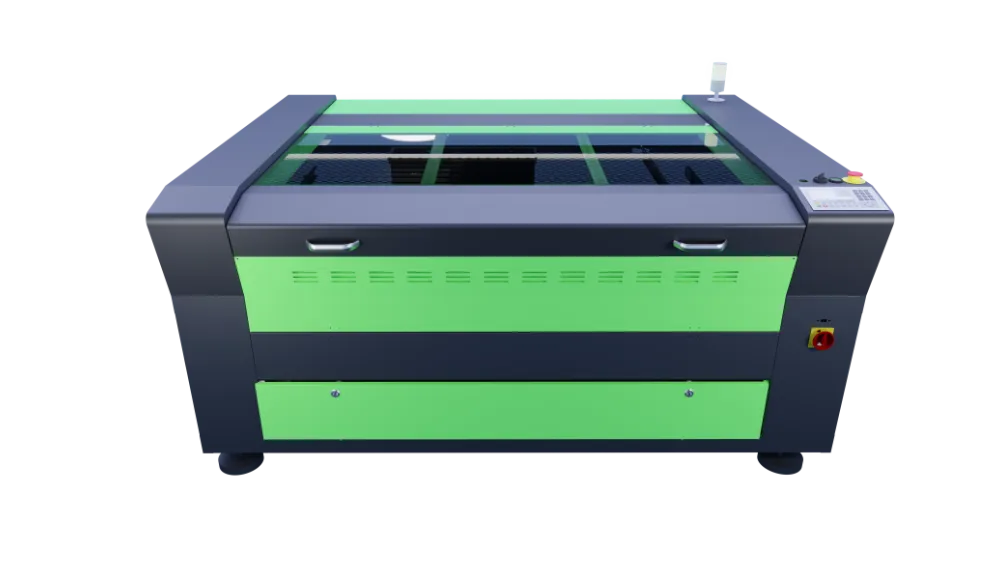
Large Format Lasertech beds use zoned extraction. Suction follows the cutting area instead of drawing equally across the whole bed. The external duct and fan arrangement still has to suit the final machine position.
Floor space, access, power and the chiller are covered in the CO₂ laser installation guide.
Signs that extraction needs attention
A smoky cabinet, smell building in the room or residue appearing faster than usual are practical warnings. Cut quality may also become less consistent when the plume hangs over the job.
Check simple causes first: a full pre-filter, damaged or loose hose, closed damper, blocked duct or a filter fitted incorrectly. Follow the machine and extractor instructions rather than increasing fan settings at random.
Filter and duct maintenance
There is no useful calendar interval that fits every workshop. Filter life changes with material, cutting hours and how much smoke each job makes. Keep replacements available and record when each stage is changed; the pattern soon shows what your work consumes.
Inspect hoses and seals during routine machine checks. Clean residue from the cabinet and bed before it becomes a fire load or reaches moving parts. Any duct cleaning or filter disposal should follow the equipment instructions and the information supplied for the material you have processed.
Use the CO₂ laser maintenance guide for the wider routine around mirrors, lenses, cooling and cleaning.
What to confirm before quotation
Send enough detail for the extraction to be sized with the machine. These points are more useful than asking for a generic “laser extractor”:
- The exact materials and thicknesses you expect to process
- Typical cutting and engraving hours each week
- The Lasertech model or bed size under consideration
- Whether an outside discharge route is available
- Room dimensions and whether it is a classroom, studio or workshop
- An outline of the duct route, including approximate length and bends
- Any future material or shift change that would add a heavier fume load
Mantech can then confirm whether standard vented extraction fits the site or whether a Purex or BOFA system is needed. For Irish sites, the machine and extraction arrangement are planned with Mantech Ireland.
Plan extraction with the CO₂ laser
Tell us what you cut, where the machine will sit and where the air can go. We can match the Lasertech platform and extraction route to the room before the delivery date is fixed.
Explore the CO₂ laser range and quote form, or call UK: 0121 541 1444 · Ireland: (+353) 83 804 8820.
Useful next reads
- CO₂ laser installation requirements
Plan access, floor space, power, extraction and training as one job.
- CO₂ laser maintenance guide
Routine cleaning and care for the machine around the extraction system.
- Desktop CO₂ lasers for education and makers
Compact machines, classroom use and the support included with the platform.
- Five things to check before choosing a CO₂ laser
Put material, bed size, wattage and extraction into the same shortlist.
- CO₂ lasers for sign making
See how acrylic production hours, bed size and extraction come together in a sign shop.
Frequently asked questions
Is extraction included with a Lasertech CO₂ laser?
Vent-to-atmosphere extraction is supplied as standard on Lasertech Desktop, Pro and Large Format machines. Ducting and the final discharge route still need to suit the site. Purex or BOFA filtration is specified separately where outside venting is impractical.
Does acrylic need different extraction from wood or MDF?
The machine still needs good airflow for all three, but the load is different. Acrylic produces strong vapour and odour. Wood produces smoke and fine residue, while MDF also contains binders. Tell the supplier the real material mix so the fan and filter stages can be specified for it.
Does a desktop CO₂ laser need fume extraction?
Yes. A compact enclosed machine still produces smoke and vapour at the cut. It must connect either to a suitable outside discharge or to a filtration unit chosen for the materials and room.
How often do laser extractor filters need replacing?
It depends on the material, cutting hours and how much smoke the jobs produce. Watch the extractor indicator or airflow, inspect the first stages regularly and record changes. Replace filters according to the unit manufacturer’s instructions.
Who should size the extraction system?
The machine supplier and extraction supplier should work from the laser model, materials, weekly hours, duct route and room. Mantech confirms the extraction arrangement during quotation and site planning for UK and Irish installations.