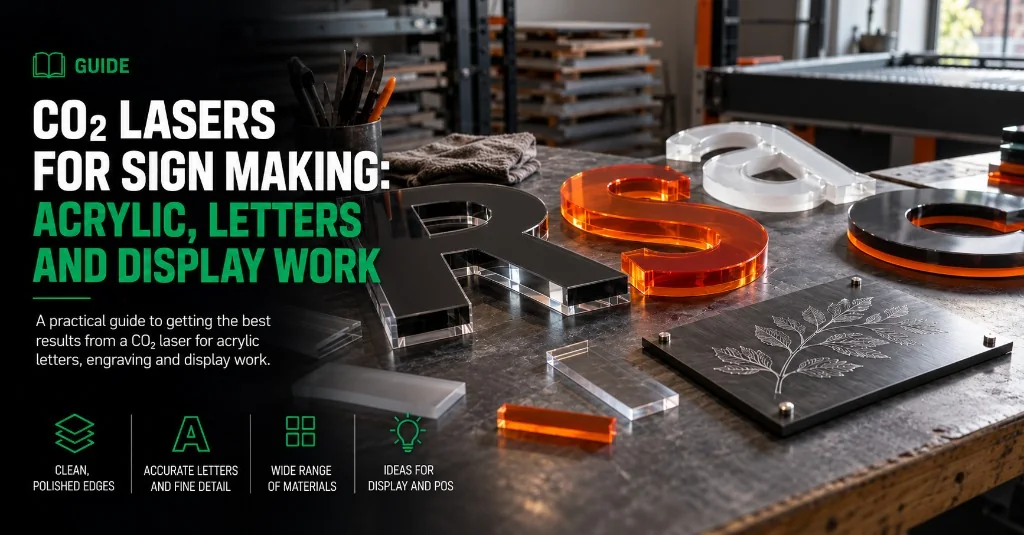
A CO₂ laser is a strong fit for sign shops that cut acrylic letters, engrave plaques and make point-of-sale display parts. It can cut and engrave from the same artwork, and cut acrylic often leaves the clear, polished-looking edge that would take extra finishing after routing.
It is not the only machine a sign maker may need. ACM, thick plastics, timber panels, folded trays and printed vinyl usually belong on a CNC router or digital cutting table. The useful question is which jobs fill your week, then how large those parts are.
Acrylic letters and engraved plaques suit CO₂. ACM, rigid board and printed graphics usually need another process. Compare Lasertech Pro with Large Format around the panels you make regularly.
Compare Lasertech Pro with Large Format on the CO₂ laser hub. Plan acrylic fumes with the extraction guide. See more sign-making routes on applications and workshop proof in the Beevive case study.
Where a CO₂ laser earns its place
The laser is at its best where fine detail, an engraved mark or a clean acrylic edge matters. There is no cutter contact, so small lettering and intricate shapes are not pushed sideways by a tool.
- Flat-cut acrylic letters and logos
- Layered acrylic signs, cut as separate parts for assembly
- Engraved laminates, plaques and door signs
- Wayfinding markers and numbered panels
- Point-of-sale stands, inserts and branded display parts
- Timber or MDF lettering where a dark laser-cut edge suits the design
- Templates, stencils and packaging inserts made from approved laser materials
Cutting and engraving can sit in one LightBurn job. Artwork from common vector and image files can be arranged, nested and sent to the machine without moving the part to a separate engraver.
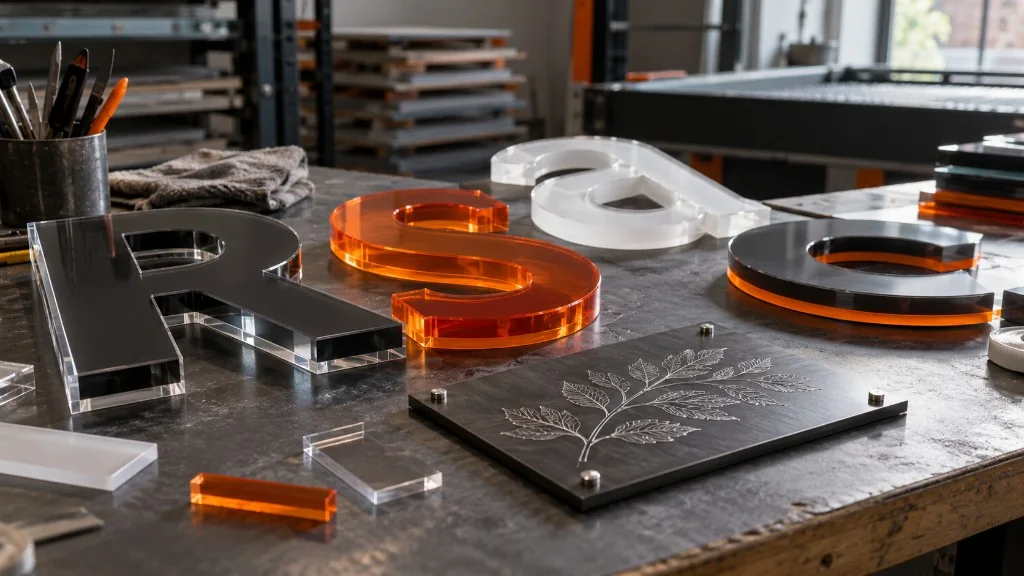
Match the process to the sign material
| Material or job | Usual process | Reason |
|---|---|---|
| Acrylic letters and panels | CO₂ laser | Fine profiles, engraving and a clean cut edge on suitable acrylic |
| Engraving laminate | CO₂ laser | Cut and engraved detail from the same artwork |
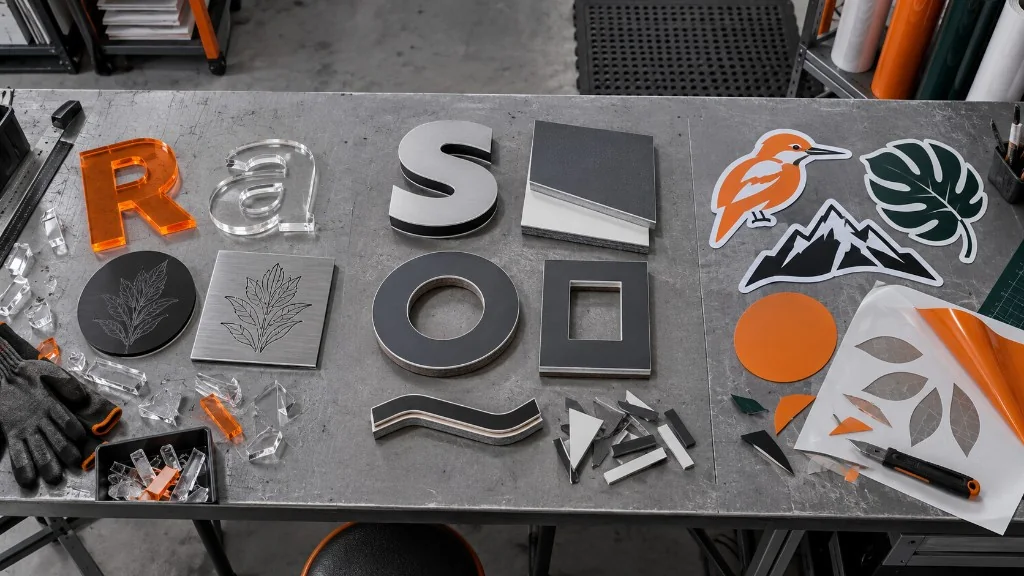
| Timber and MDF lettering | CO₂ laser or CNC router | Laser for fine profiles and a heat-darkened edge; router for thicker stock and machined features |
| ACM, Foamex and rigid sign board | CNC router | Routing is the normal choice for profiling rigid composite and board materials |
| Printed vinyl, foam board and contour-cut graphics | Digital cutting table | Knife cutting and optical registration avoid a laser-cut edge |
| Steel, stainless or aluminium sign components | Fibre laser | Production sheet-metal cutting belongs on a metal-focused platform |
Do not put an unidentified plastic under the beam because it looks similar to acrylic. Confirm the product with the material supplier first. Vinyl and PVC-based sheet should be routed or knife-cut using the correct process, not treated as generic laser material.
For knife versus heat on foam, vinyl, board and acrylic, use the digital cutting table versus CO₂ laser guide. The CNC sign-making guide covers routed board, ACM and deeper machining.
Bed size shapes the daily workflow
Start with the parts you make repeatedly. A bed that takes the full letter set or standard display panel saves repositioning and makes nesting easier. Buying around one unusually large enquiry can leave you paying for floor space that rarely earns anything.
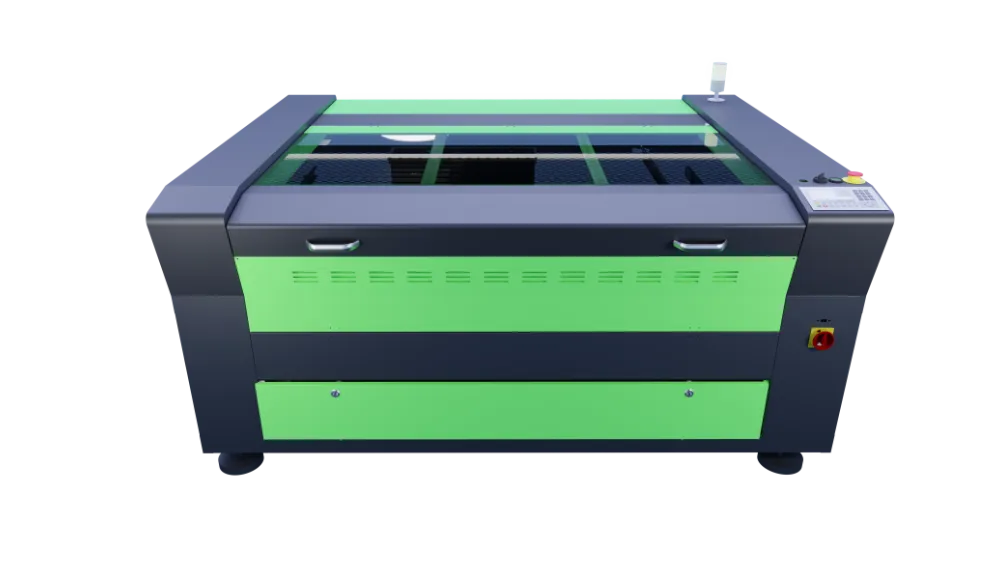
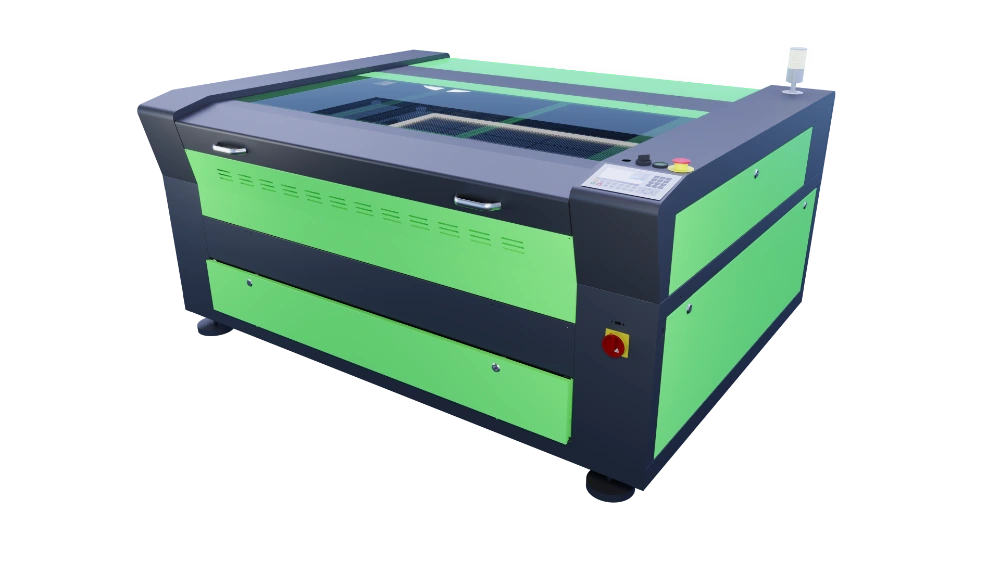
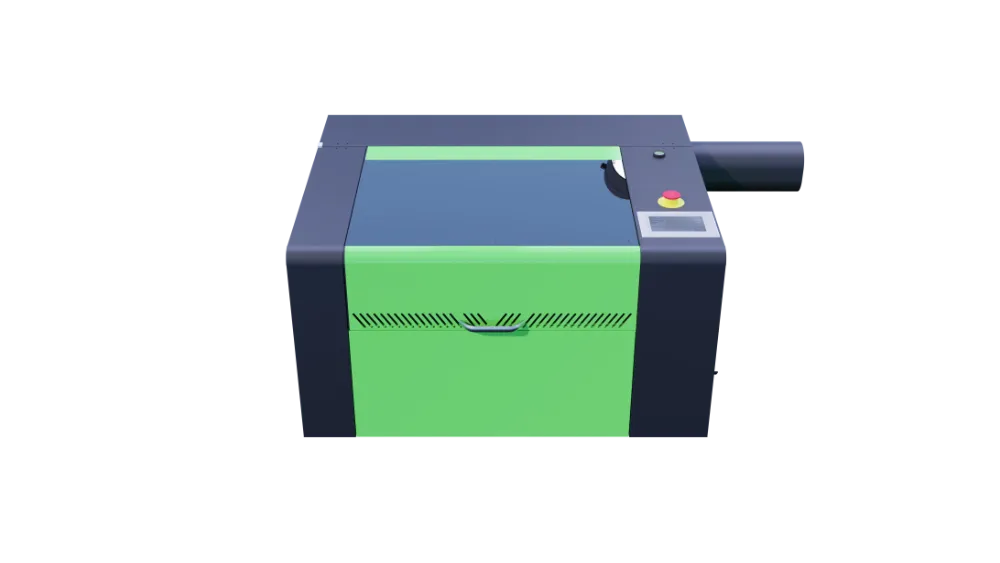
Lasertech Pro covers four workshop formats: 400 × 600, 600 × 900, 900 × 1300 and 1000 × 1600 mm. The 90130 is a common sign-shop size because it gives useful panel room without moving to a full production bed.
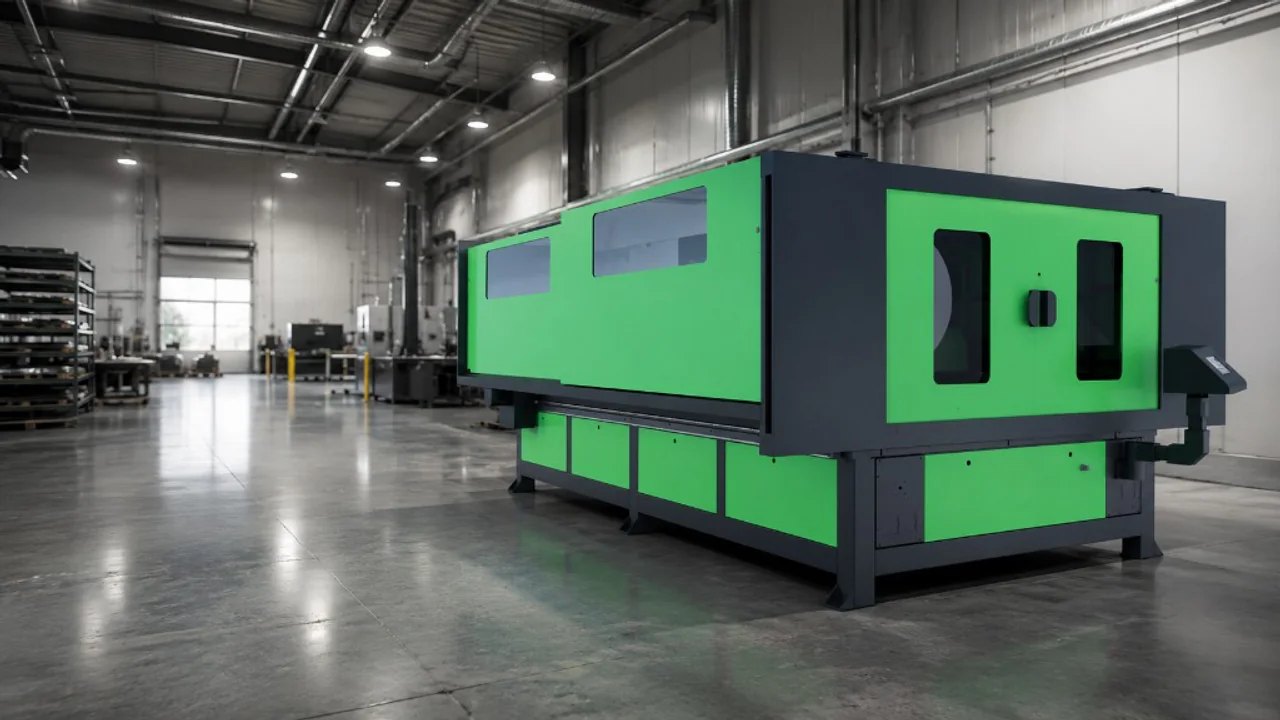
Large Format starts at 1300 × 2500 mm, then steps through 1500 × 2500 to 2000 × 3000 mm. Those beds suit long fascia, exhibition panels, oversized letters and repeat nests that would need splitting on a Pro machine.
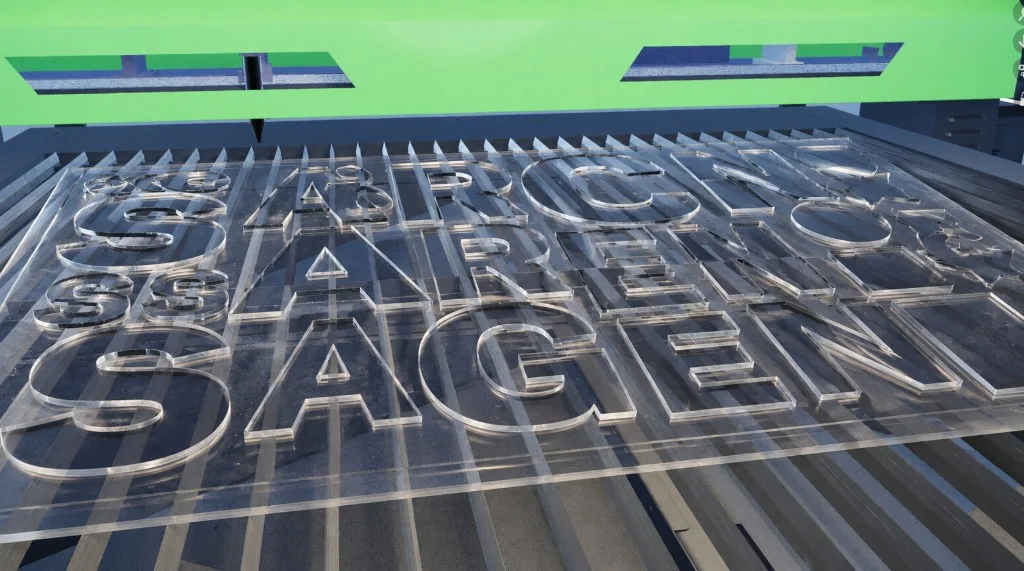
Choose power around the acrylic you cut
Lasertech Pro machines use an 80W RECI tube as standard, with 100W and 130W options on selected formats. Large Format machines use 150W RECI. More power can help with thicker acrylic and production cutting, but it does not make a bed larger or improve artwork that was poorly prepared.
Thickness alone is not enough to specify the machine. Cast and extruded acrylic can behave differently, and edge finish changes with colour, grade, focus, speed and assist air. Bring the material you buy regularly and test the finish at the size and detail you sell.
The CO₂ laser wattage guide explains the power choice in more detail. Use the CO₂ parameter guide for starting settings after handover.
Plan extraction for acrylic production
Acrylic cutting produces a strong vapour and smell. Long nests load the extraction system harder than an occasional engraved plaque, so the sign shop’s real cutting hours matter when the system is specified.
Vent-to-atmosphere extraction is supplied on Lasertech Pro and Large Format machines. Purex or BOFA filtration can be specified where an outside discharge is impractical. Large Format beds use zoned extraction so suction follows the cutting area.
Plan materials, duct routing and filter access with the CO₂ extraction and fume control guide.
Pro or Large Format
| Question | Lasertech Pro | Lasertech Large Format |
|---|---|---|
| Typical work | Acrylic letters, plaques, POS parts and workshop display jobs | Fascia, exhibition panels, oversized letters and full-sheet production |
| Bed range | 400 × 600 to 1000 × 1600 mm | 1300 × 2500 to 2000 × 3000 mm |
| Power | 80W standard; 100W and 130W on selected formats | 150W standard |
| Extraction | Vent standard; Purex or BOFA optional | Zoned extraction with venting; filtration can be specified |
| Best reason to step up | Your regular parts fit and output is workshop scale | Sheet size or repeat nesting regularly exceeds the Pro beds |
A Large Format machine is not automatically the better sign-making laser. Pro is often the sensible choice when most orders fit a 6090, 90130 or 10160 bed. Step up when wide sheets are regular work, not because one fascia once arrived too long.
Compare the Lasertech Pro range with Lasertech Large Format.
What sign makers are running
A Gloucestershire sign maker chose a Lasertech 90130 for acrylic, wood and plastics, with LightBurn and extraction included in the installation. Signs Express in Twickenham also installed a 90130 for its sign-production work.
In Ireland, Mantech installed another Lasertech 90130 for Signs Express in Mullingar. The machine covers custom signs, branding, acrylic, wood and engraved work, with installation and training arranged for the site.
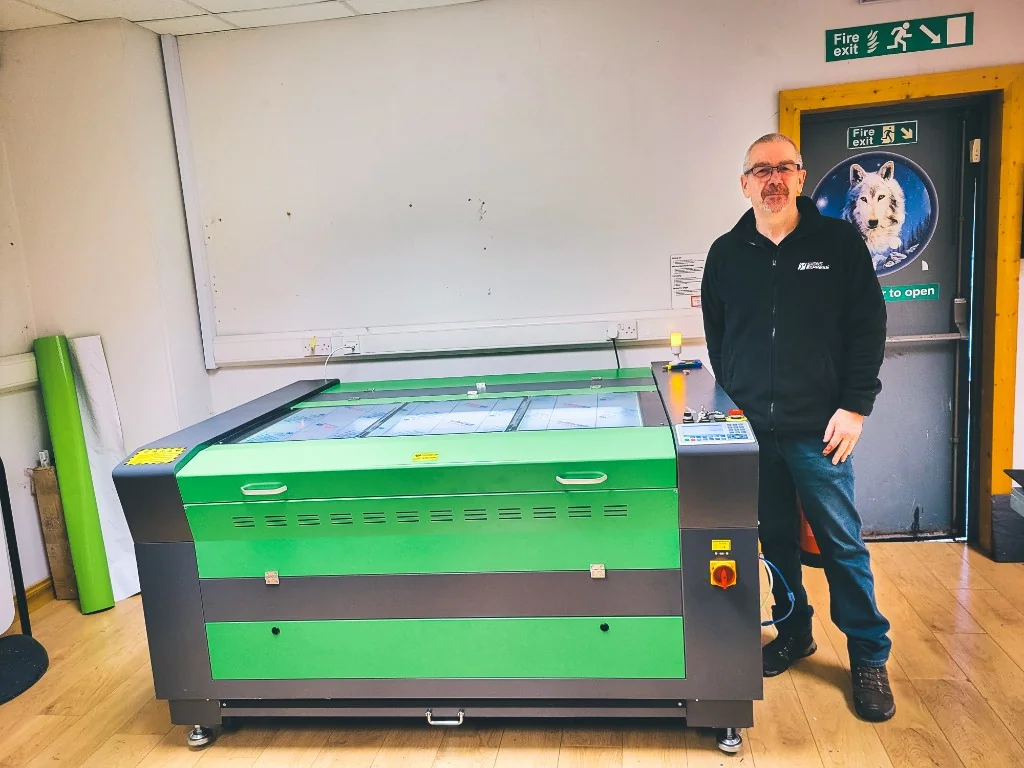
Beevive brought work in-house on a Lasertech 90130 and now uses it for event signage, point-of-sale displays and its product range. Its POS stands have reached more than 250 UK stores. Together, these examples show why 900 × 1300 mm is a useful workshop format.
See the Gloucestershire installation, the Twickenham sign-maker installation, the Mullingar installation and the Beevive case study.
Bring your regular sign jobs to the decision
Bring a few artwork files, the acrylic grades you buy and examples of your largest regular panels. Include the jobs you currently route, knife-cut or subcontract. That makes it easier to see where a CO₂ laser saves a process and where another machine should keep the work.
Explore the CO₂ laser range and quote form. For advice, call UK: 0121 541 1444 · Ireland: (+353) 83 804 8820.
Useful next reads
- CO₂ laser extraction and fume control
Plan acrylic vapour, ducting and filtration before choosing the machine position.
- CO₂ laser wattage guide
Match tube power to the acrylic and production work you run regularly.
- Desktop vs Pro vs Large Format CO₂ lasers
Compare working areas, power, services and the practical reasons to step up.
- Digital cutting table vs CO₂ laser
Choose between knife cutting and laser work for display materials.
- CNC routers for sign making
Cover ACM, rigid board, thick plastics and machined sign parts.
- Beevive case study
See a Lasertech 90130 producing product parts, event signs and POS displays.
Frequently asked questions
What thickness of acrylic can a CO₂ laser cut?
It depends on the tube power, acrylic grade, colour, focus, speed and the edge finish you need. Pro machines offer 80W, 100W and 130W configurations on selected beds; Large Format uses 150W. Test the acrylic you buy regularly rather than choosing from a headline thickness alone.
Can the same CO₂ laser cut and engrave acrylic letters?
Yes. LightBurn can place cut lines and engraved detail in the same job. The machine can engrave a face, mark a fitting position and cut the final profile without moving the sheet to a separate engraver.
What is the largest Lasertech CO₂ bed for sign making?
The Large Format LF2030 has a 2000 × 3000 mm bed. The range also includes 1300 × 2500 and 1500 × 2500 mm formats. Compare those sizes with your regular sheet and panel work before allowing for the machine footprint.
Should a sign shop choose Lasertech Pro or Large Format?
Choose Pro when your regular acrylic letters, plaques and POS parts fit beds up to 1000 × 1600 mm. Large Format makes sense when fascia, exhibition panels or full-sheet nests regularly need 1300 × 2500 mm or more.
Do Mantech install and train sign makers in the UK and Ireland?
Yes. UK mainland supply includes delivery, installation and operator training. Irish installations and training are arranged with Mantech Ireland. The final scope is confirmed on the quotation for the machine and site.