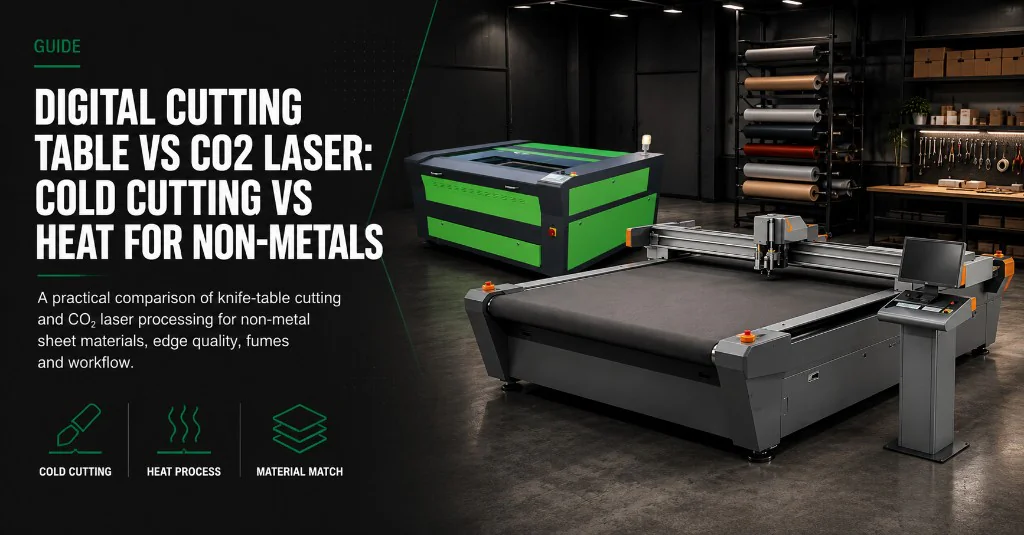
A digital cutting table and a CO₂ laser can both process non-metal sheet. They do not do the same job. One cuts with a knife or crease tool and leaves a cold edge. The other uses heat to cut or engrave and needs extraction for smoke and fumes. Pick the process that matches the material you run every week — not the machine you already know.
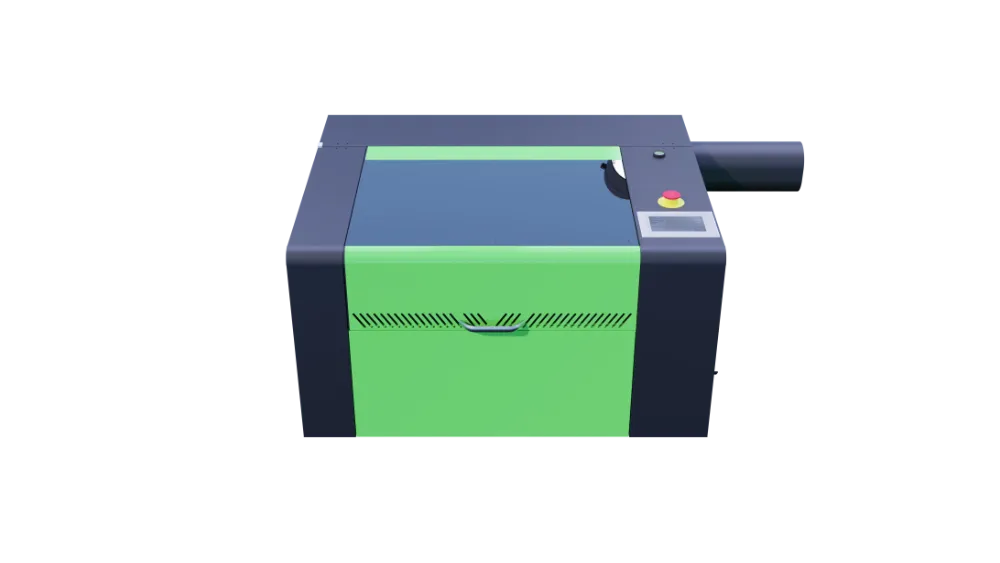
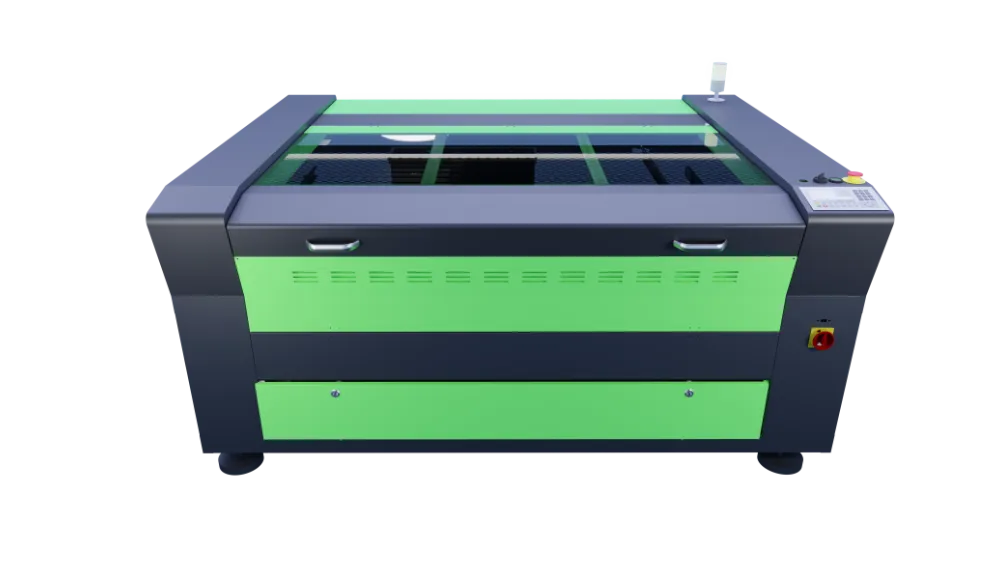
Cold knife cutting and CO₂ laser heat suit different non-metal jobs. Compare SC tables on the digital cutting table hub and Desktop or Pro platforms on the CO₂ laser hub.
Which machine for which job
- Digital cutting table — knife, crease and kiss-cut work on foam, packaging board, vinyl, fabric, rubber and similar soft or flexible stock.
- CO₂ laser — cutting and engraving acrylic, timber, paper craft and other laser-compatible non-metals where a heat-affected edge or engraved mark is acceptable — or wanted.
- Foam, many rubbers and elastomers usually suit the knife table better. Laser heat can melt, scorch or release heavy fumes.
- Vinyl kiss-cutting and print-and-cut contour work usually suit the knife table, especially with optical registration.
- Acrylic cutting and engraving usually suit the CO₂ laser.
- Many workshops run both. This article is not about fibre lasers for sheet metal, and it is not a CNC router versus CO₂ comparison.
How the two processes differ
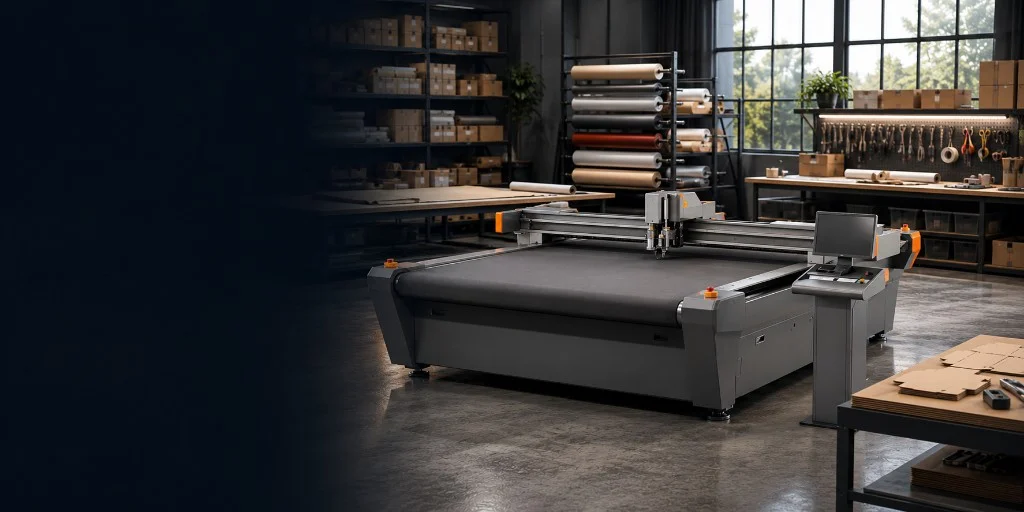
On a digital cutting table, a vacuum bed holds the sheet flat while the gantry follows a digital drawing with a knife, creasing wheel, pen or related tool. There is no laser beam and no heat-affected zone from a cutting laser. Soft materials keep a colder edge, packaging board can be creased for folding, and kiss-cut tools can cut a face film without cutting the liner.
On a CO₂ laser, a focused infrared beam vaporises or burns a path through the material, or marks the surface for engraving. That is why acrylic and timber engraving look clean on laser platforms, and why foam and some plastics often do not. Laser cutting also produces smoke and fumes that need proper extraction and filtration for the materials you run.
For spindle milling versus knife work, use the digital cutting table vs CNC router guide. Fibre versus CO₂ on sheet metal is a different question — see the fibre comparison articles on the fibre laser hub.
Heat, edges and fumes
Cold knife cutting avoids laser scorch and melt on materials that dislike heat. That is why foam inserts, rubber gaskets and many packaging boards cut more cleanly on a digital cutting table. You still manage blades, bed wear and vacuum hold-down, but you are not managing a laser plume from every cut.
CO₂ laser edges can look polished on acrylic and sealed on some synthetics. They can also brown timber, melt foam and leave a heat-affected strip on plastics that prefer a cold cut. Plan extraction early. Undersized filtration shows up as smell, residue and downtime long before the machine itself fails.
CO₂ wattage, bed size and platform choice are covered in choosing CO₂ laser wattage. Extraction and ownership notes also sit in the CO₂ cost guide.
Which process usually fits common materials
| Material or job | Digital cutting table | CO₂ laser |
|---|---|---|
| Foam inserts & packaging foam | Usually preferred — cold cut, cleaner edges, less melt | Often poor — melt, scorch and heavy fumes |
| Rubber & soft gaskets | Usually preferred when thickness and tooling match | Often poor — heat damage and fumes |
| Cardboard, corrugated & packaging crease | Usually preferred — cut and crease without dies | Limited — heat can brown board; crease tools belong on the knife table |
| Vinyl & films (incl. kiss-cut) | Usually preferred — drag or kiss-cut, often with camera registration | Poor fit for liner workflows; heat risks melt and edge seal issues |
| Printed graphics / print-and-cut | Usually preferred with optical registration on the table | Possible for some laser-friendly stocks; not the main kiss-cut route |
| Fabrics & textiles | Strong fit for many soft fabrics and banners with knife or rotary tools | Useful where a sealed edge on synthetics is wanted; test fumes and finish |
| Acrylic sheet | Limited — not the first choice for polished acrylic edges | Preferred for cutting and engraving acrylic |
| Timber, ply & engraving marks | Not the main process | Preferred for laser cutting and engraving on suitable woods |
| Paper, card craft & detail engraving | Possible for some cut-only board work | Preferred where engraving or fine laser detail is the job |
Print finishing and packaging
Print-and-cut display work often needs accurate registration to a printed mark. Digital cutting tables with optical registration are built for that contour cut. Kiss-cutting vinyl and similar films is a knife-table job, not a laser job.
Packaging samples and short runs that need cut and crease without steel-rule dies are a core digital cutting table use. A CO₂ laser can cut some board, but it does not replace crease tooling for foldable cartons. If packaging samples are a weekly workload, start on the knife platform.
See the Unicon case study for packaging samples and short runs on a digital cutting table.
When each process wins
- Digital cutting table wins when cold edges, crease lines, kiss-cuts or soft-material production lead the week.
- CO₂ laser wins when acrylic cutting, timber engraving or other laser-compatible mark-and-cut work leads the week.
- Mixed shops often keep both: knife for foam, vinyl and packaging; laser for acrylic and engraved timber or laminates.
- Do not force foam and rubber onto a CO₂ laser to make do, and do not expect a knife table to polish acrylic the way a laser can.
How to decide
- List the materials and finishes you produce regularly — not just the odd demo part.
- Note whether you need crease, kiss-cut, optical registration, engraving or a polished laser edge.
- Check whether smoke and fume extraction is practical for your room and materials if you are leaning toward CO₂.
- If knife, crease and soft-material work dominate, start on the SC digital cutting table range.
- If acrylic, timber engraving and laser-compatible non-metals dominate, start on the Lasertech CO₂ ranges.
- If both workloads are regular, plan for two processes rather than stretching one machine across unsuitable stock.
Next step with Mantech
Mantech supplies SC Standard and SC PRO digital cutting tables alongside Lasertech Desktop, Pro and Large Format CO₂ lasers. Delivery, installation, training and support are arranged for your site in the UK or Ireland. Bring material samples if you can — a short cut test usually settles the cold-cut versus heat question faster than a spec sheet.
Compare beds and tools on the digital cutting table hub, browse CO₂ laser cutters, or call the team — UK 0121 541 1444 · Ireland (+353) 83 804 8820.
Useful next reads
- Digital cutting table range
SC Standard and SC PRO bed sizes, knife tools and optional PRO router attachment.
- CO₂ laser hub
Desktop, Pro and Large Format Lasertech platforms for non-metal cutting and engraving.
- Choosing CO₂ laser wattage
Match tube power and bed size to everyday materials and hours.
- Digital cutting table vs CNC router
Knife and crease work versus spindle milling when routing is the other option.
- Digital cutting tables buyer guide
Process fit, applications and how to choose an SC table.
Frequently asked questions
Can I cut foam and rubber on a CO₂ laser instead of a digital cutting table?
Sometimes, but it is rarely the better everyday route. Foam and many rubbers dislike laser heat. They can melt, scorch or release heavy fumes. A digital cutting table with the right knife tooling is usually the cleaner process for inserts, packaging foam and soft gasket work.
Is vinyl kiss-cutting better on a knife table or a CO₂ laser?
Kiss-cutting vinyl and similar films is a knife-table job. Drag or kiss-cut tools can cut the face without cutting the liner, and optical registration helps when the cut must follow print. A CO₂ laser is a poor fit for that liner workflow.
When does acrylic belong on a CO₂ laser rather than a digital cutting table?
Acrylic cutting and engraving usually belong on a CO₂ laser. Knife tables are not the first choice when you need a polished laser edge or engraved detail. If acrylic leads your week, start on the Lasertech CO₂ ranges and size wattage to the thickness you cut regularly.
Do I need fume extraction for a digital cutting table the same way I do for a CO₂ laser?
A digital cutting table does not create a laser cutting plume. You still need a sensible workshop for dust and material handling, but CO₂ laser work needs extraction and filtration matched to the materials you burn or vaporise. Plan that system when you specify the laser, not after the first smoky job.
Can one workshop sensibly run both a digital cutting table and a CO₂ laser?
Yes. Many shops keep knife tables for foam, vinyl, packaging and soft stock, and CO₂ lasers for acrylic and engraved timber or laminates. That split is usually clearer than forcing one process across unsuitable materials. Match the main weekly hours first, then add the second process when the secondary workload is regular.