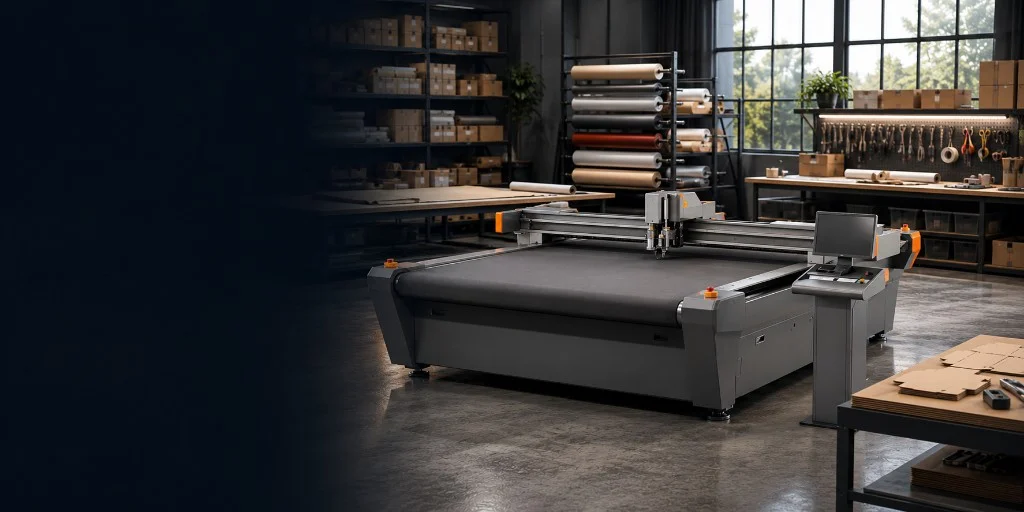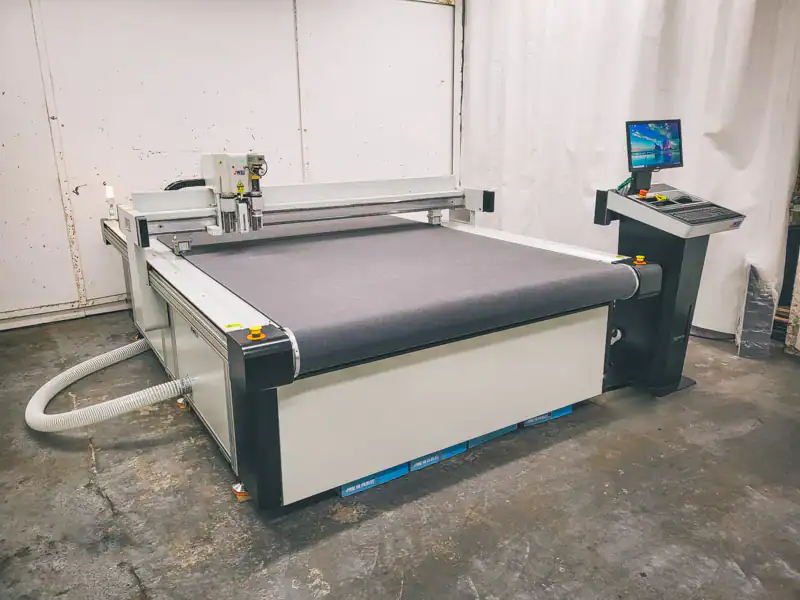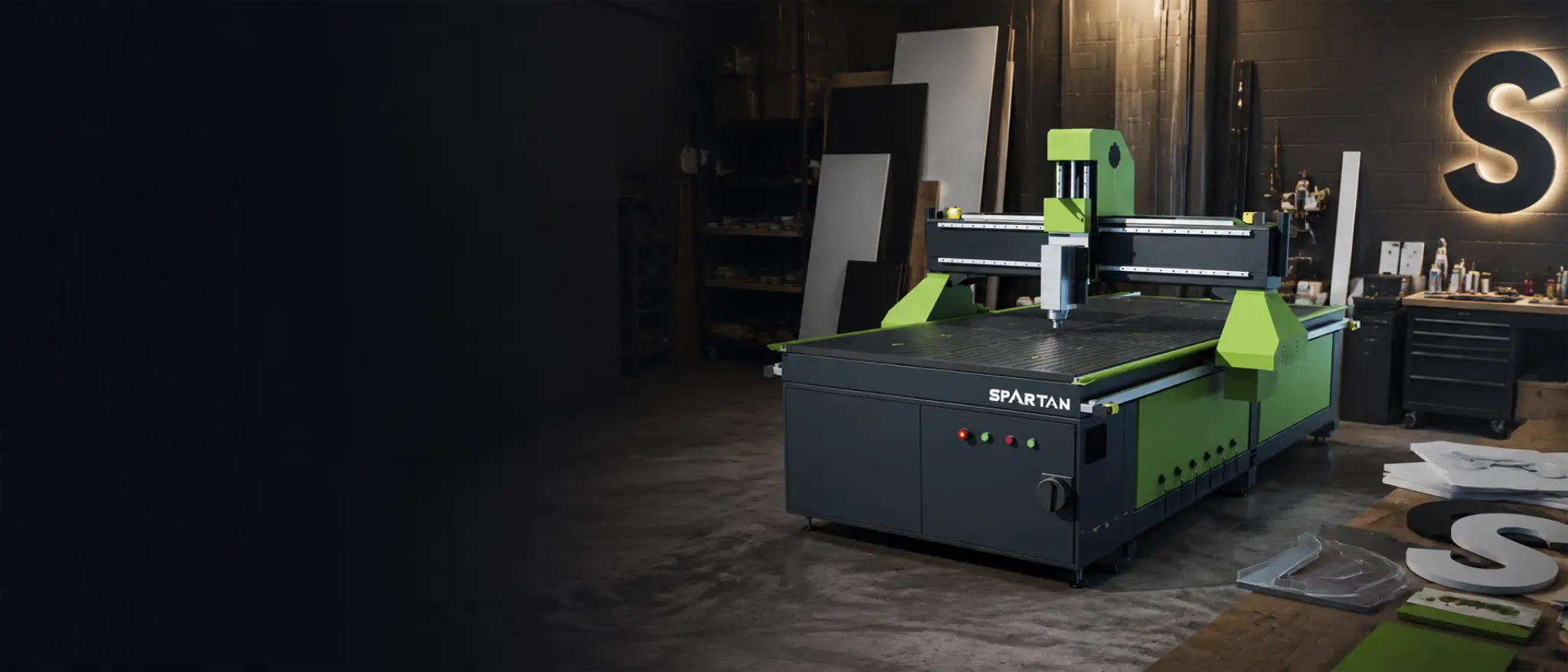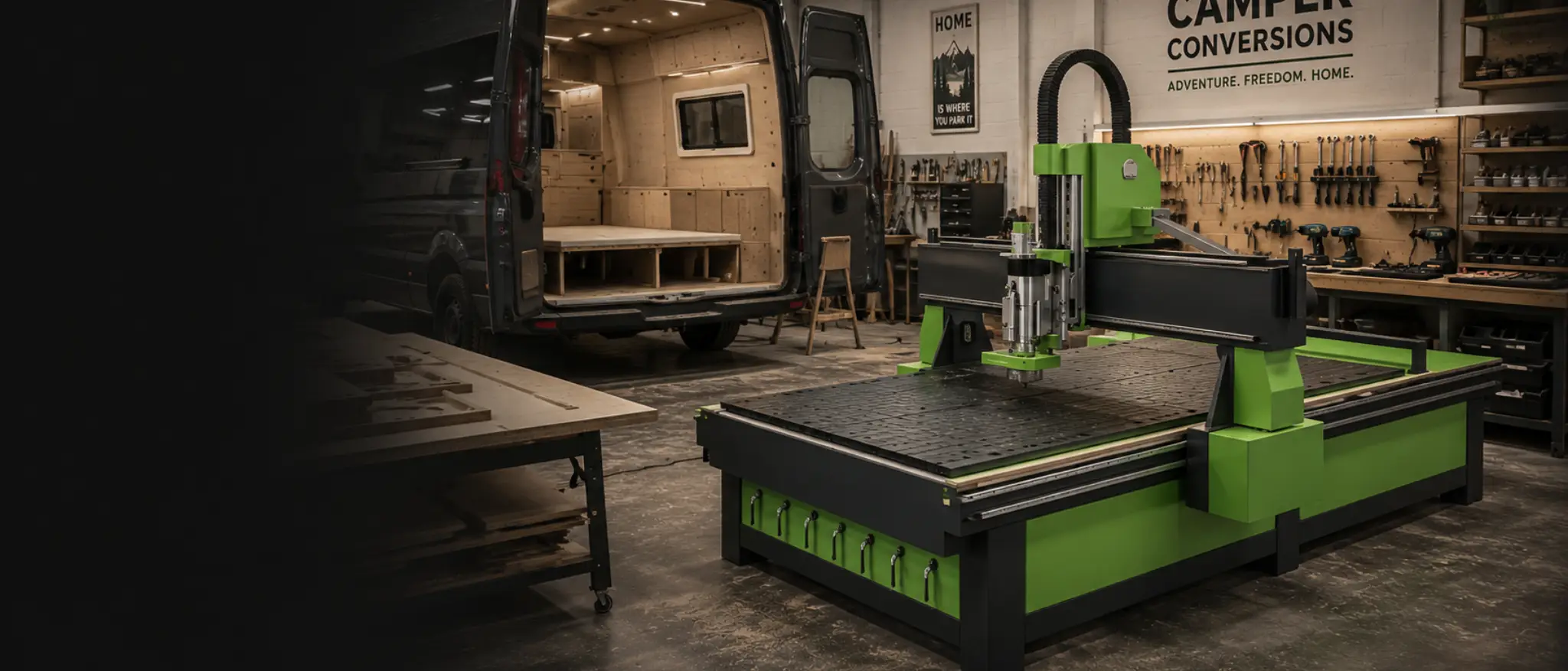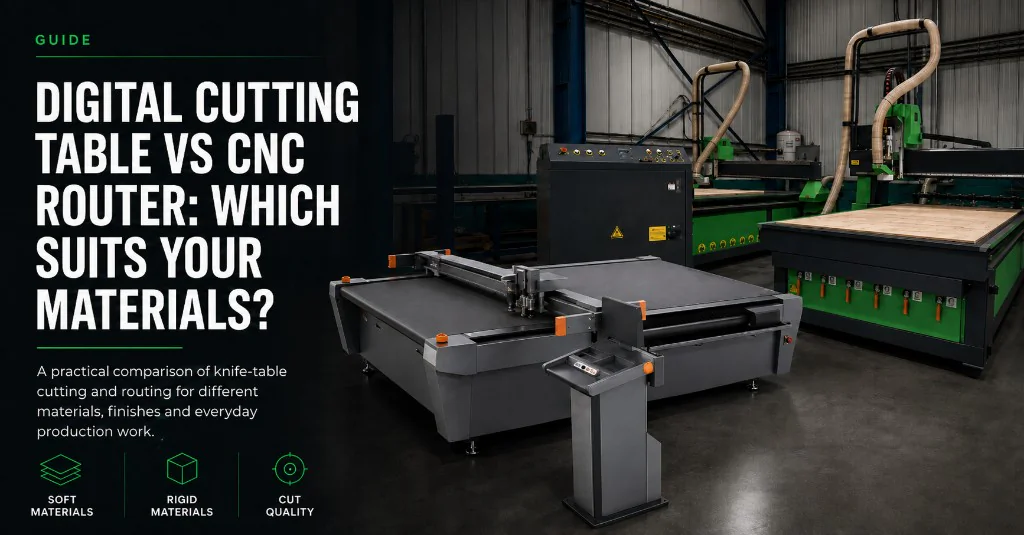
A digital cutting table and a CNC router are both CNC machines, but they are built for different jobs. One runs knife, crease and kiss-cut tools on soft or flexible stock. The other spins a router bit to mill timber, thick plastics, cured composites and aluminium composite panel. Pick the wrong one and you get rough edges, wasted material or a process that never quite fits the work.
Match the machine to the materials. Compare SC knife tables on the digital cutting table hub and production routers on the CNC routers hub.
Knife table or router first?
- Choose a digital cutting table for knife, crease and kiss-cut work on foam, board, packaging, vinyl, fabric or rubber.
- Choose a CNC router when you need spindle milling on timber, thick plastics, cured composites or aluminium composite panel.
- Many workshops run both — knife tables for packaging and soft stock, routers for rigid milling.
- SC PRO can take an optional 350W router attachment for light routing on a knife platform — not a replacement for a full production CNC router.
- Falcon ATC can take a factory-order APK9 oscillating knife attachment for foam, rubber, packaging materials and soft substrates when routing stays the main process.
- APK9 does not turn a Falcon into a full digital cutting table. Crease, kiss-cut and print-and-cut registration still belong on a dedicated knife platform.
How the two processes differ
On a digital cutting table, a vacuum bed holds the sheet flat while the gantry follows a digital drawing with a knife, creasing wheel, pen or other fitted tool. There is no rotating spindle chewing through the material, so soft stock keeps a clean cold edge and packaging board can be creased for folding without a steel-rule die.
On a CNC router, a spindle spins a cutting bit to mill the part. That is the right tool for rigid materials and shaped edges. It also makes dust, needs the right tooling and feed rates, and is a poor fit for thin film, carton creasing or most soft foam insert work.
| Material | Digital cutting table | CNC router |
|---|---|---|
| Foam | Usually preferred — clean cold cuts for inserts and packaging foam | Only denser foams needing 3D profiling; soft foam can tear |
| Cardboard & corrugated | Usually preferred — cut, crease and V-cut without dies | Rarely ideal — spindle kerf and dust do not suit carton work |
| Packaging prototypes | Usually preferred — dieless samples and short runs with crease tooling | Not the main process for foldable packaging board |
| Vinyl & films | Usually preferred — drag or kiss-cut, often with camera registration | Unsuitable for thin film and liner workflows |
| Fabrics & textiles | Usually preferred — knife or rotary tooling | Not suited to woven or soft textiles |
| Rubber & gaskets | Usually preferred when thickness and tooling match | Possible on some stocks; knife tables are the usual gasket route |
| Composites | Dry fabric and soft lay-up materials only | Preferred for cured or rigid composites and thick sheet |
| Acrylic | Limited on thin sheet; edge quality often needs a router or laser | Preferred for milled edges and thicker acrylic parts |
| Aluminium composite panel | Only light ACM with specialist tooling or a router attachment | Preferred for reliable ACM profiling and edge finish |
Finish, edge quality and dust
Knife cutting leaves a cold edge. That matters on foam inserts, rubber gaskets and packaging board where burn marks, melted plastic or fuzzy tear-out would spoil the job. Crease and kiss-cut tools also belong on the knife table when you need fold lines or a cut through the face film without cutting the liner.
Router edges on timber, acrylic and ACM are shaped by the bit, feed rate and hold-down. You get strong milled profiles, but you also get swarf and dust extraction to manage. If your daily mix is mostly soft materials, a router spends too much time fighting the stock. If your daily mix is rigid milling, a knife table will not replace the spindle.
What each machine is built around
A Mantech SC digital cutting table is built around interchangeable knife, crease, plotting and related tools on a vacuum bed. SC Standard and SC PRO share that core platform. PRO can be factory-configured for an optional 350W router attachment when you need light routing as well as knife work — for example occasional rigid detailing on the same sheet flow. That attachment does not turn the table into a heavy production CNC router.
A CNC router is built around the spindle, bed format, vacuum or clamping, and tool changing. Spartan suits many first production routers. Falcon ATC adds automatic tool change for multi-tool jobs. Those machines are for milling first.
Falcon APK9 — oscillating knife on a CNC router
If you already need a production CNC router, Falcon ATC can be configured on factory order with the APK9 oscillating knife attachment. APK9 is designed for cutting foam, rubber, composites, packaging materials and soft substrates. It extends the machine’s range without jumping to a fully bespoke CNC platform.
That is useful when routing is still the main workload and you only need knife cutting for a slice of soft-material jobs. It is not the same as specifying a dedicated digital cutting table. A full SC knife platform is still the clearer choice when crease tools, kiss-cutting, packaging samples or regular soft-material production sit at the centre of the week.
See optional Falcon attachments on the Falcon ATC page, and the full knife, crease and SC PRO router story on the digital cutting table hub.
Throughput and mixed workshops
Throughput depends on sheet size, tool changes, nesting and how often jobs change. Digital cutting tables suit short runs and frequent changeovers where a new drawing replaces a new steel-rule die. CNC routers suit nested rigid parts, thicker stock and longer toolpaths where the spindle is doing the work.
Sign shops, packaging rooms and fabrication cells often end up with both. Knife tables handle board, foam and vinyl. Routers handle timber, ACM and thick plastics. SC PRO’s optional router attachment can cover light crossover work on the knife table. Falcon APK9 can cover soft-material knife work on a routing cell. Neither option removes the need to match the main process to the right machine.
For sign-shop routing context, see CNC routers for sign making. For packaging and short-run knife work in a UK customer setting, see the Unicon case study.
How to decide
- List the materials and thicknesses you cut regularly — not just the odd job you did once.
- Note whether you need crease, kiss-cut, print-and-cut registration or milled edges.
- Decide which process carries most of the hours: knife work or spindle milling.
- If knife work dominates, start on the SC digital cutting table range.
- If milling dominates, start on the CNC router ranges — and only add Falcon APK9 if soft-material knife work is a real secondary need.
- If both processes are regular and high volume, plan for two machines rather than forcing one platform to do everything poorly.
Next step with Mantech
Mantech supplies SC Standard and SC PRO digital cutting tables alongside Spartan, Falcon and Apollo CNC routers from Halesowen, with UK mainland delivery, installation, training and support on standard packages. Bring material samples or drawings if you can — that is the fastest way to see whether the job belongs on a knife table, a router, or both.
Compare beds and tools on the digital cutting table hub, browse CNC routers, or call the team — UK 0121 541 1444 · Ireland (+353) 83 804 8820. Process-fit detail sits in the buyer guide; ownership cost sits in the cost guide.
Useful next reads
- Digital cutting table range
SC Standard and SC PRO bed sizes, knife tools and optional PRO router attachment.
- CNC routers hub
Spartan, Falcon and Apollo ranges for spindle routing.
- Falcon ATC CNC router
Production ATC routing with factory-order APK9 oscillating knife option.
- Digital cutting tables UK buyer guide
Process fit, applications and how to choose an SC table.
- Digital cutting table vs CO₂ laser
Cold knife versus heat for foam, vinyl, packaging and acrylic.
Frequently asked questions
Can a digital cutting table replace a CNC router?
Not for the work a spindle is built to do. A digital cutting table is the better fit for knife, crease and kiss-cut jobs on foam, board, vinyl, fabric and similar materials. Timber, thick plastics, cured composites and aluminium composite panel still belong on a CNC router.
What does the SC PRO router attachment cover?
SC PRO can be factory-configured for an optional 350W router attachment for light routing alongside the core knife, crease and plotting tools. It is useful for mixed sheet work on the knife platform. It is not a substitute for a production CNC router when milling is the main process.
What is the Falcon APK9 oscillating knife attachment?
APK9 is a factory-order oscillating knife attachment for Falcon ATC CNC routers. It is described for cutting foam, rubber, composites, packaging materials and soft substrates. It helps when routing remains the main machine role and soft-material knife work is a secondary need. It does not replace a dedicated digital cutting table for crease, kiss-cut or regular knife production.
What should a sign shop choose?
It depends on the mix. Vinyl, foam board and soft display materials usually suit a digital cutting table. ACM, thick plastics and timber builds usually suit a CNC router. Many sign shops run both, or add light crossover tooling such as SC PRO routing or Falcon APK9 only after the main process is clear.
When does a CNC router win?
Choose a CNC router when spindle milling is the everyday process — timber, thick plastics, cured composites, acrylic parts that need milled edges, or aluminium composite panel. Packaging board that needs crease and fold lines still belongs on a digital cutting table, even if you already own a router.