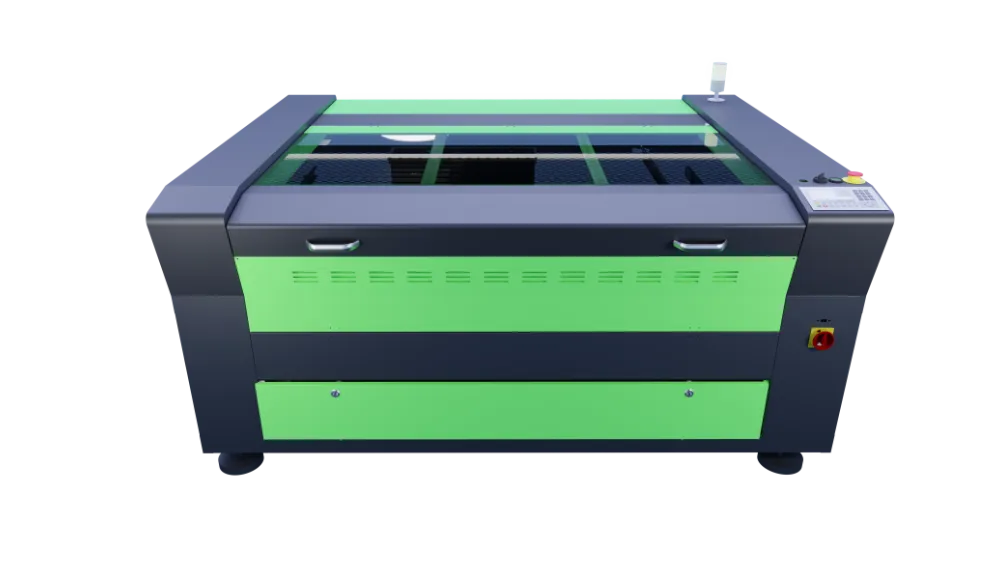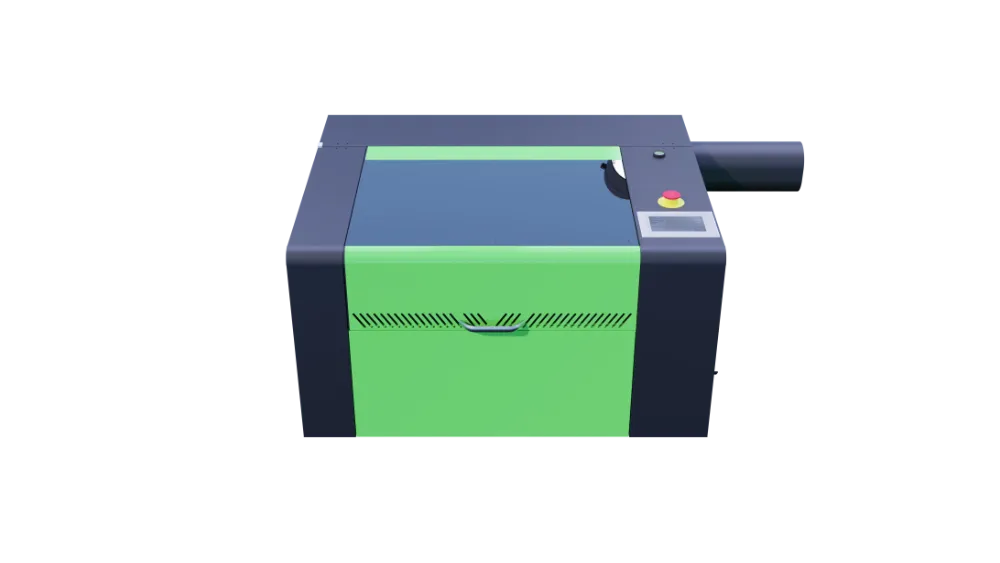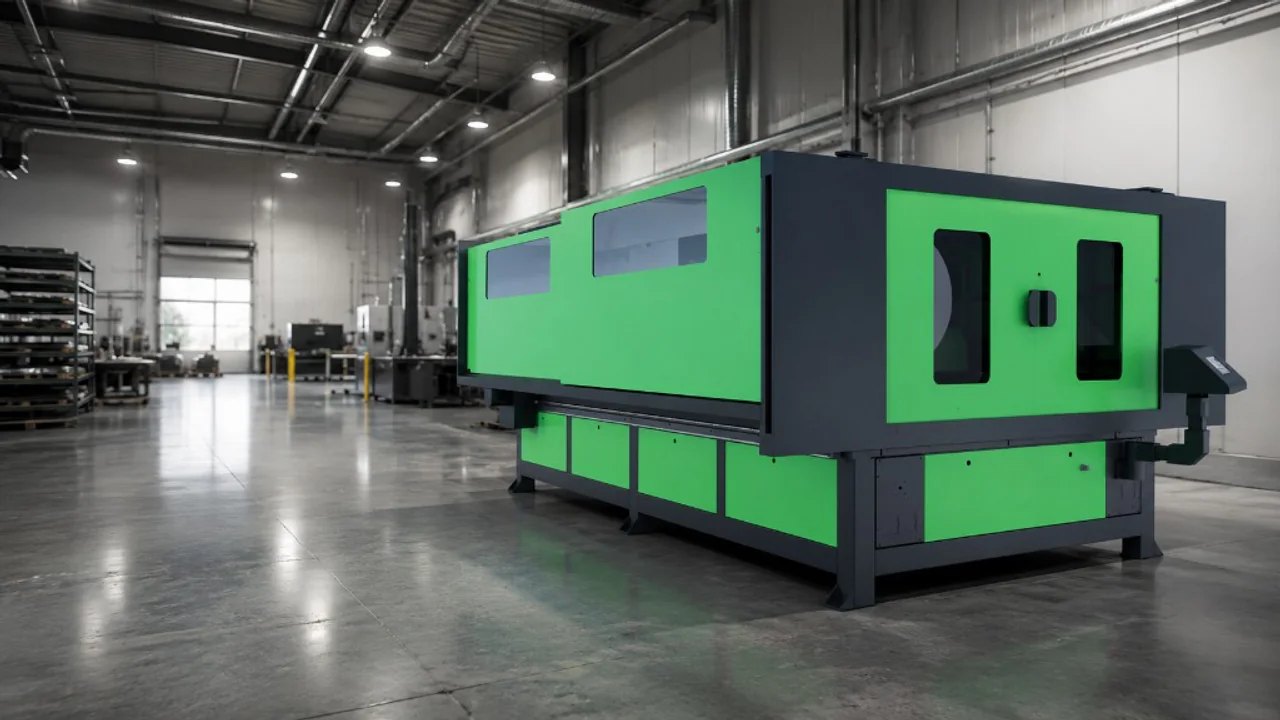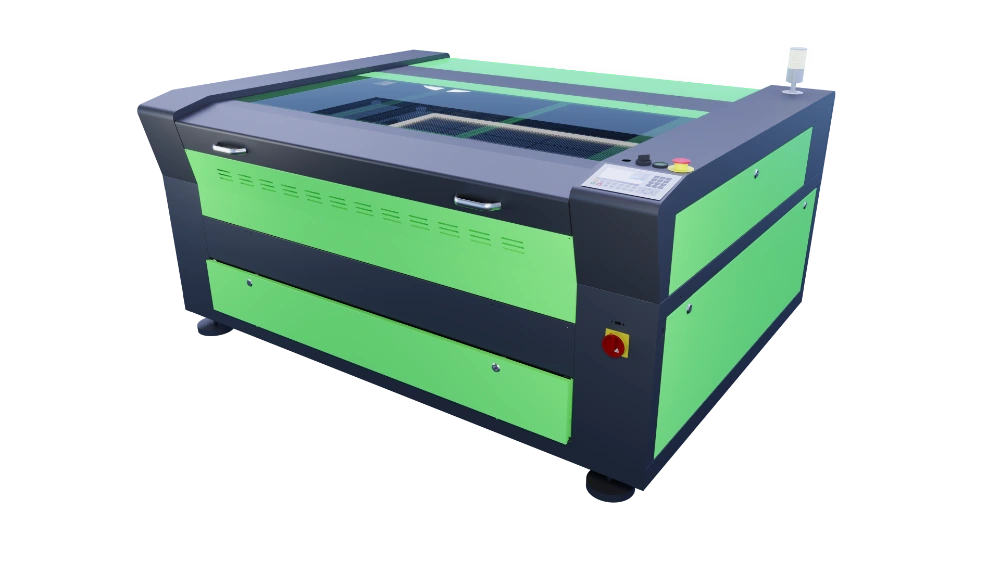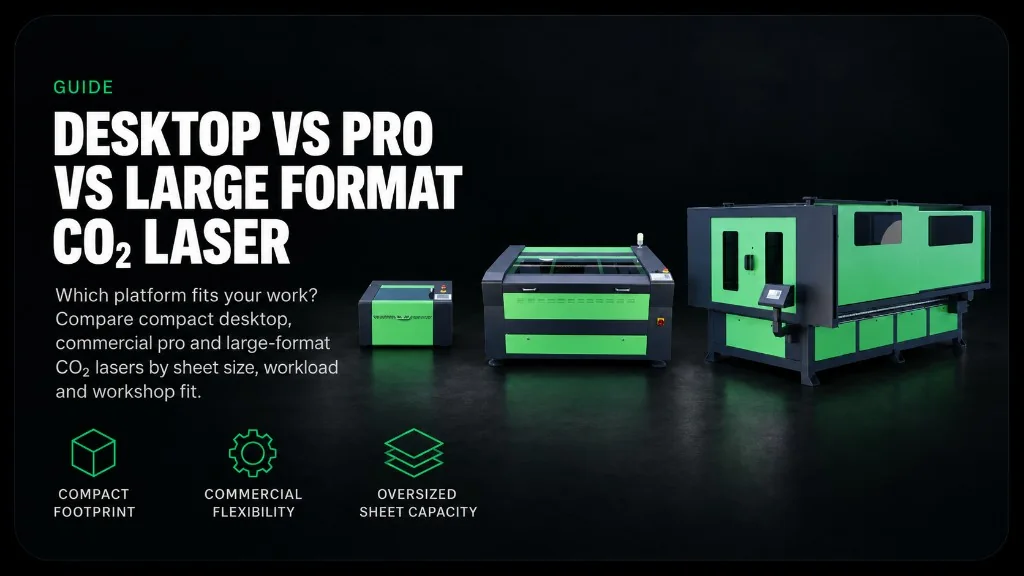
Desktop, Pro and Large Format CO₂ lasers use the same basic process, but they solve different workshop problems. Desktop keeps the footprint compact. Pro adds a wider choice of beds and power for regular commercial work. Large Format is built around oversized sheets and production handling.
Choose from the parts and sheets you run every week. A larger machine can reduce repositioning and joins, but it also needs more floor space, a suitable delivery route and extraction planned for a bigger cabinet. More bed and power only earn their keep when the workload uses them.
Start with the working area your regular jobs need. Compare every Lasertech CO₂ platform, then use the wattage guide once the bed-size shortlist is clear.
Open Desktop, Pro and Large Format from the CO₂ laser hub. Check tube power in the wattage guide. Then review quotation factors in the CO₂ cost guide.
Who each platform is built for
Lasertech Desktop 3050
The Desktop 3050 has a 500 × 300 mm working area and an 80W RECI CO₂ tube. It suits schools, makerspaces, product development and small workshops producing compact signs, gifts, samples and prototypes. The enclosed cabinet, honeycomb bed and single-phase supply make it easier to place where floor space is limited.
Lasertech Pro
Pro is the main workshop range. It starts with the 400 × 600 mm 4060, then steps through 600 × 900, 900 × 1300 and 1000 × 1600 mm beds. These machines suit daily cutting and engraving where a Desktop bed would mean splitting artwork, buying smaller stock or loading too many separate jobs.
Lasertech Large Format
Large Format begins at 1300 × 2500 mm and reaches 2000 × 3000 mm. It is intended for fascia, exhibition panels, large acrylic work and repeat sheet production. The reason to move up is normally sheet size or regular nesting volume, not the appeal of owning the largest machine.
Bed size changes how the work moves
Measure the finished parts and the stock you normally buy. Include space between nested parts and any margin you need around the sheet. A nominal bed size is only useful when your real artwork fits it.
- Desktop 3050 — 500 × 300 mm
- Pro 4060 — 400 × 600 mm
- Pro 6090 — 600 × 900 mm
- Pro 90130 — 900 × 1300 mm
- Pro 10160 — 1000 × 1600 mm
- Large Format LF1325 — 1300 × 2500 mm
- Large Format LF1525 — 1500 × 2500 mm
- Large Format LF2030 — 2000 × 3000 mm
The 6090 is a useful middle ground for many workshops because it takes a 600 × 900 mm job without the footprint of a 90130. The larger Pro beds make sense when standard panels or complete letter sets repeatedly exceed that area. Large Format becomes relevant when even the 1000 × 1600 mm Pro bed creates joins or repeated loading.
Power follows the platform and the material
Desktop uses an 80W RECI tube. Pro starts at 80W, with 100W and 130W options on selected formats. Large Format uses 150W RECI across the range. Higher power can improve cutting pace and extend useful thickness on suitable materials, but it cannot compensate for the wrong bed size, poor focus or unsuitable stock.
Bring samples of the acrylic, wood, MDF, card or laminate you intend to process. Grade, colour, thickness and the finish you need all affect the result. A test on your own material is more useful than choosing from wattage alone.
Use the CO₂ laser wattage guide when you need to compare power in more detail.
Look at a normal month of work
Desktop can be right for short runs and compact parts even in a busy business. Pro suits larger sheets, repeated batches and workshops that use both honeycomb and blade beds. Large Format reduces handling when wide panels and full-sheet nests are normal production. Record a month of sheet sizes, batch quantities, cutting hours and split jobs before deciding.
Extraction and services step up with the machine
Vent-to-atmosphere extraction is supplied on Desktop, Pro and Large Format machines. Purex or BOFA filtration can be specified where an outside discharge is impractical. The material mix, weekly cutting hours and final duct route still need to be agreed for the site.
Desktop and Pro run from single-phase 230V supplies. Large Format machines require a three-phase industrial supply and use zoned extraction across the larger bed. Delivery access also changes as cabinets get wider, so doors, corridors, lifting access and the final machine position should be checked before ordering.
Plan the room with the CO₂ laser installation guide and compare fume-control options in the extraction guide.
The software stays familiar
LightBurn is supplied across Desktop, Pro and Large Format. Operators can import common vector and image files, arrange parts, set cutting and engraving layers and send the job from one interface. Moving to a larger platform changes the bed and handling more than the basic software workflow.
Mantech supplies installation and operator training for UK mainland machines. Irish delivery, installation and training are arranged with Mantech Ireland. The final scope is confirmed with the machine and site quotation.
Where M-CUT fits
M-CUT is a specialist 900 × 1300 mm platform for workshops that need normal CO₂ non-metal work plus limited thin-metal cutting. Its 150W RECI tube and oxygen-assisted head can process mild steel up to 2 mm and stainless steel up to 1 mm, subject to material, gas and setup.
It is not a substitute for a production fibre laser. M-CUT also needs advanced filtration with a spark-arrest module, and its metal work uses RDWorks alongside LightBurn for non-metals. Choose it only when that mixed-material scope is a regular requirement.
Review the Lasertech M-CUT or compare fibre laser cutters when sheet metal is the main workload.
Desktop, Pro or Large Format at a glance
| Question | Desktop 3050 | Pro Series | Large Format |
|---|---|---|---|
| Working area | 500 × 300 mm | 400 × 600 to 1000 × 1600 mm | 1300 × 2500 to 2000 × 3000 mm |
| Laser power | 80W RECI | 80W standard; 100W and 130W on selected beds | 150W RECI |
| Bed system | Honeycomb | Honeycomb and blade beds | Low-contact blade bed |
| Electrical supply | Single-phase 230V | Single-phase 230V | Three-phase industrial supply |
| Best fit | Compact parts, teaching, prototypes and lighter production | Regular workshop cutting and engraving across several sheet sizes | Oversized panels and repeated full-sheet production |
| Step up when | Regular jobs exceed 500 × 300 mm | Jobs exceed 1000 × 1600 mm or require repeated large nests | Only when the sheet size and workload use the extra capacity |
Compare the Desktop 3050, Pro Series and Large Format range. For a general buying checklist, read the five things to check before choosing a CO₂ laser.
Bring the work to the conversation
Prepare a short list of materials, regular sheet sizes, largest repeated parts and expected weekly hours. Add photographs of the proposed machine position and the delivery route. Mantech can then narrow the platform and arrange a material test where needed.
Explore the CO₂ laser range and quote form. For advice, call UK: 0121 541 1444 · Ireland: (+353) 83 804 8820.
Useful next reads
- Five things to check before choosing a CO₂ laser
Check materials, safety, extraction, software and support after choosing a platform tier.
- CO₂ laser wattage guide
Compare 80W, 100W, 130W and 150W against the materials you process.
- What affects CO₂ laser cost?
Understand how bed size, power, extraction and support change the quotation.
- CO₂ laser installation requirements
Check access, floor space, electrical supply, extraction and training.
- CO₂ lasers for sign making
See how Pro and Large Format beds fit acrylic letters, fascia and display work.
Frequently asked questions
What are the main limits of a Desktop CO₂ laser?
The 500 × 300 mm bed is the main limit. Larger jobs need splitting or a Pro machine. Desktop uses an 80W RECI tube and honeycomb bed.
Which Lasertech Pro model is the best middle ground?
The 6090 is Mantech’s most popular Pro format, with a 600 × 900 mm bed and optional 100W upgrade. Choose 90130 or 10160 when larger panels are regular work.
What jobs justify a Large Format CO₂ laser?
Large fascia, exhibition panels, oversized acrylic parts and repeated full-sheet nests. The range starts at 1300 × 2500 mm and requires a three-phase supply.
Can M-CUT replace a fibre laser for metal work?
Not for normal production sheet-metal cutting. Its verified scope is up to 2 mm mild steel and 1 mm stainless using oxygen assist. Assess regular metal fabrication against a fibre laser.
Do Desktop, Pro and Large Format use the same software?
Yes. LightBurn is supplied across all three ranges. M-CUT adds RDWorks for oxygen-assisted thin-metal work.