

Parts per sheet
8 × 6 grid
Parts per sheet 48
Material yield 96.7%
Unused sheet 3.3% 96,800 mm² offcuts & kerf
Free planning tool
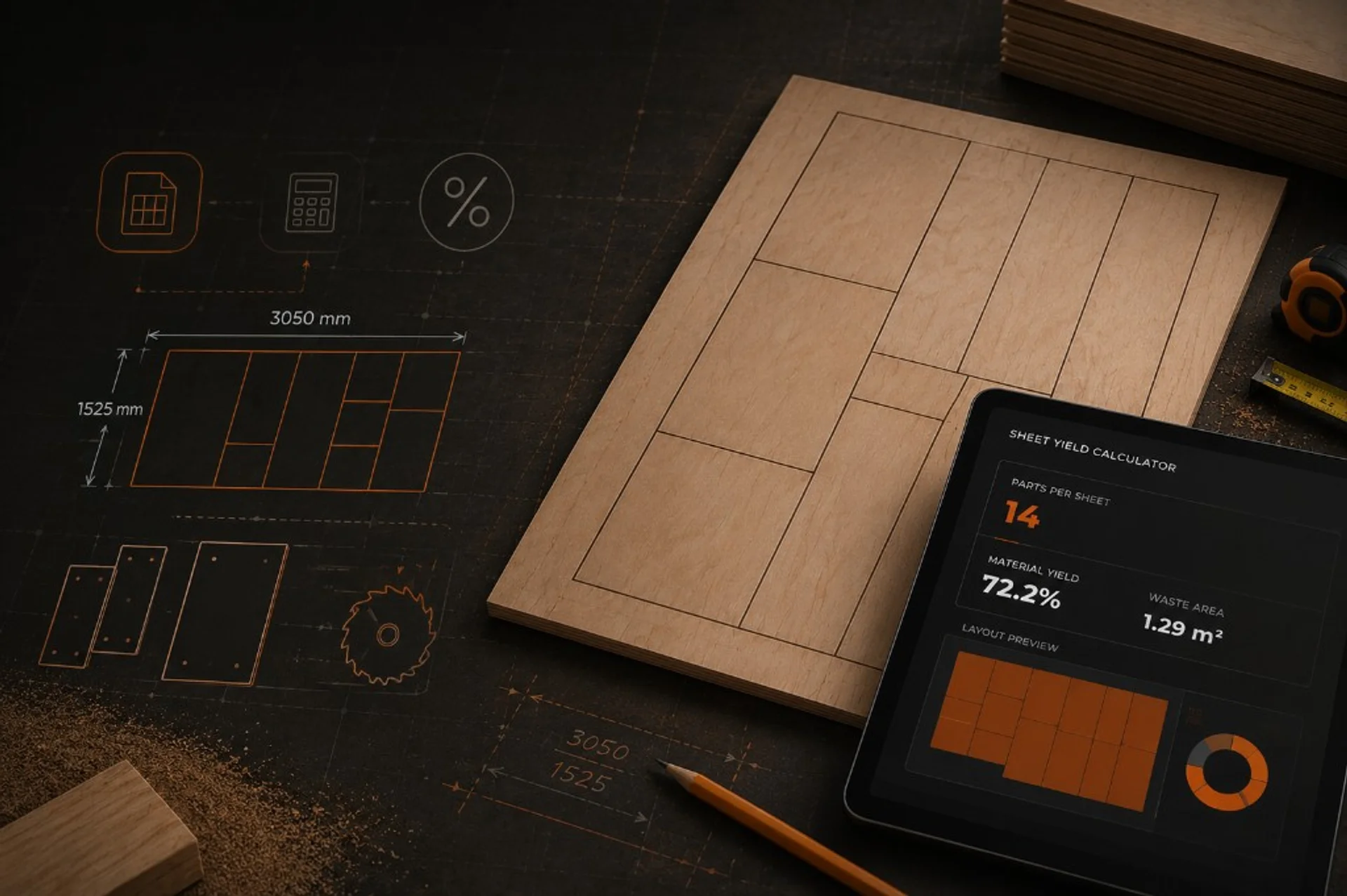
Maximise your material efficiency. Use this calculator to estimate how many parts you can cut from a single sheet of material — enter part dimensions, sheet size, and any spacing or kerf between cuts.
Live calculator
Enter part width and length, sheet size, and optional kerf or spacing between cuts. The calculator shows how many parts fit per sheet, material yield, and a simple grid layout preview.
Your estimate
8 × 6 grid
Layout preview
Grid layout for rectangular parts — CAM nesting may differ on complex shapes.
Planning estimate only — add scrap allowance for test cuts, spoilboard waste, and irregular offcuts.
Note: Grid layout only — real nesting software may beat these figures on irregular shapes. Use as a planning guide; Mantech accepts no liability for decisions based on these estimates.
How it helps
Maximise your material efficiency. Use this calculator to estimate how many parts you can cut from a single sheet of material — enter part dimensions, sheet size, and any spacing or kerf between cuts.
Using the tool
Enter Part width and Part length in millimetres.
Choose a sheet preset or enter Sheet width and Sheet height.
Add Kerf or spacing if you know your tool diameter or minimum gap between parts.
Optional: set Edge margin for clamping or vacuum hold-down zones.
Optional: enter Job quantity to see how many sheets you need.
Review parts per sheet, yield percentage, and the layout preview.
Sample calculation
Inputs
Planning accuracy
On plywood or veneered boards, rotating parts may conflict with grain — lock rotation off when grain matters.
Small holding tabs add effective spacing — include them in kerf or margin if cuts are tight.
This tool assumes rectangular parts. Complex profiles need CAD/CAM nesting for accurate yield.
Multiply parts per sheet by sheet count, then add scrap allowance for spoilboard surfacing and test cuts.
Common questions
Grain direction: On plywood or veneered boards, rotating parts may conflict with grain — lock rotation off when grain matters.
Tabs & bridges: Small holding tabs add effective spacing — include them in kerf or margin if cuts are tight.
Irregular shapes: This tool assumes rectangular parts. Complex profiles need CAD/CAM nesting for accurate yield.
Leave edge margin for seal tape and enough area for hold-down on the last row.
Run the calculator on your largest repeat part first — it drives sheet purchasing.
Yield is per sheet thickness — do not mix thicknesses on the same quote line.
Document sheet size and kerf on quotes so customers understand material usage.
Add a scrap percentage (often 5–15%) for offcuts and recuts on production runs.
Zero parts? Check units are millimetres and the part fits at least one sheet edge.
Unexpectedly low yield? Try rotating the part, reducing kerf, or confirming sheet size matches supplier labels.
Layout looks wrong? Edge margin reduces usable area — set to 0 for a maximum theoretical grid.
Planning workflow
Maximise your material efficiency. Use this calculator to estimate how many parts you can cut from a single sheet of material — enter part dimensions, sheet size, and any spacing or kerf between cuts.
This tool is perfect for CNC router users looking to reduce waste, optimise nesting layouts, and get the most value out of every sheet — whether you work with plywood, MDF, acrylic, or aluminium. Useful when deciding whether a CNC router suits your production volumes.
Material yield planning
A specialist will review your requirements and advise on the most suitable machine for your application. No obligation, no hard sell.