The right fibre laser is not the most powerful one on the list. It is the one that handles your regular work, gives the finish your customers expect, and fits your workshop. Start with your parts and production targets — then pick the machine.
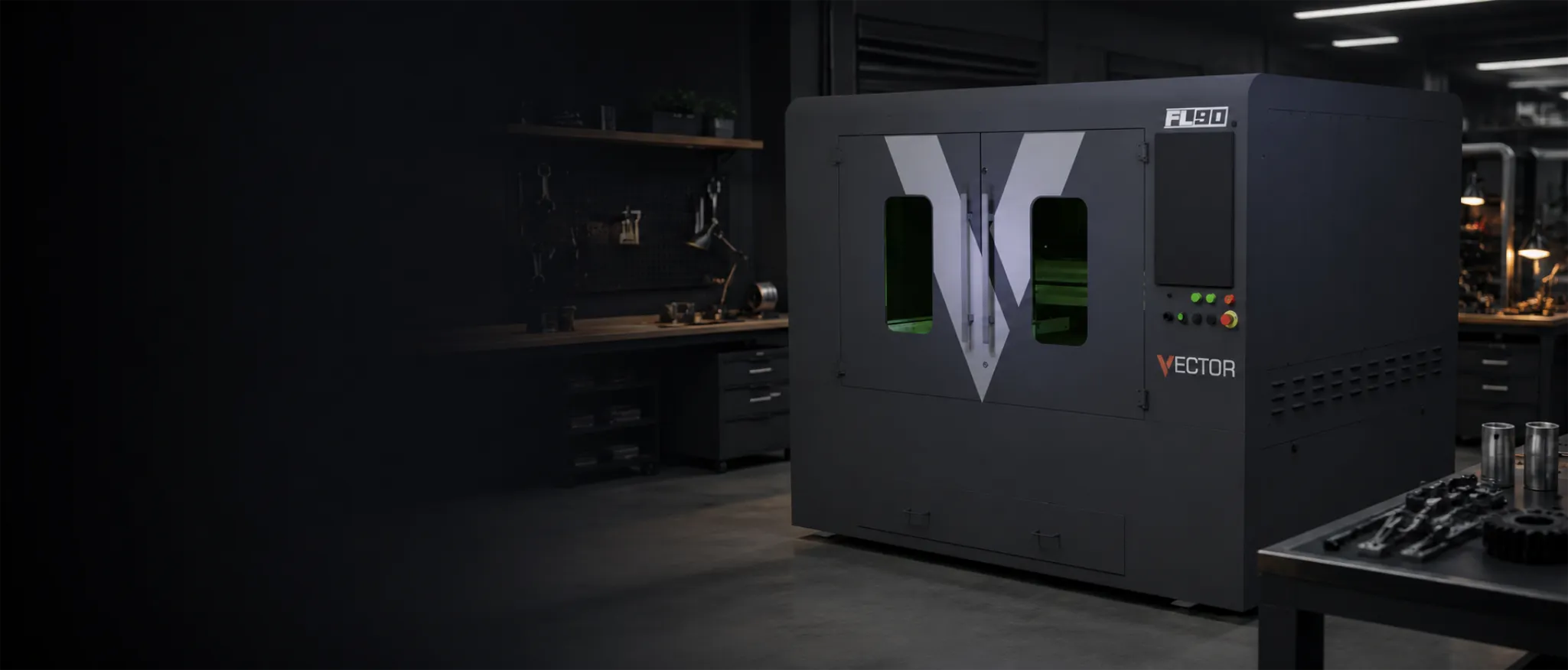
Shortlist from the nests you cut regularly. A typical workshop start is the Vector FL90. Then check kW against thickness on the power guide.
Compare every current Vector and Titan platform in the fibre laser cutter range. Use the fibre laser power guide when the shortlist reaches kW and everyday thickness. Then settle edge finish and supply plant with the assist-gas guide. Test the final specification against your own production figures in the fibre laser ROI calculator.
Start with the work, not a model name
Before comparing machines, look at the last twelve months of work. List your regular jobs, current subcontract work and orders you want to bring in-house. Write down material, thickness, sheet size, quantity and the finish each part needs.
- Focus on the thicknesses you cut most often, not the heaviest plate you have quoted once.
- Record the largest sheet size you use regularly.
- Note which parts need an oxide-free edge before welding or coating.
- Separate one-off jobs from repeat work and estimate weekly cutting hours.
Decide whether the work is sheet, tube or both
Flatbed lasers cut sheet and plate. Tube, box section and other profiles need dedicated chucks, supports and software. Our Vector and Titan flatbeds cover sheet work; the Titan T6524 is built for tube and profile. See the tube fibre laser guide for more detail.
Choose the cutting area from your nesting data
Pick the bed around the sheets you buy regularly. A larger bed can improve material use, but it needs more space and suitable loading equipment. Ask the supplier to nest your DXF files on each shortlisted size and compare the yield.
| Platform | Working area / format | Power range | Where it fits |
|---|---|---|---|
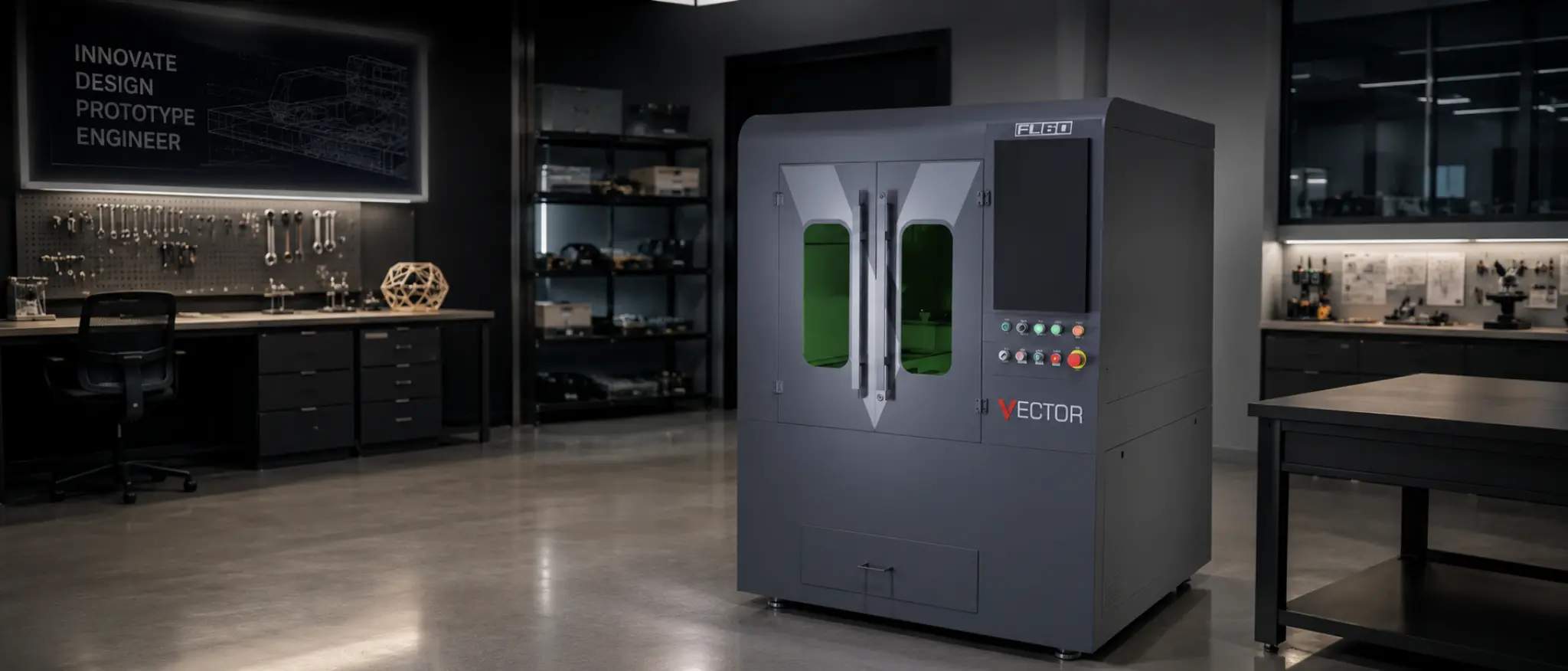
| Vector FL60 | 600 × 600 mm | 1.5, 2 or 3 kW | Compact enclosed cutting for small parts, education and first fibre investment |
| Vector FL90 | 1300 × 900 mm | 1.5, 2 or 3 kW | Mid-format sheet work where a full 3015 bed is unnecessary |
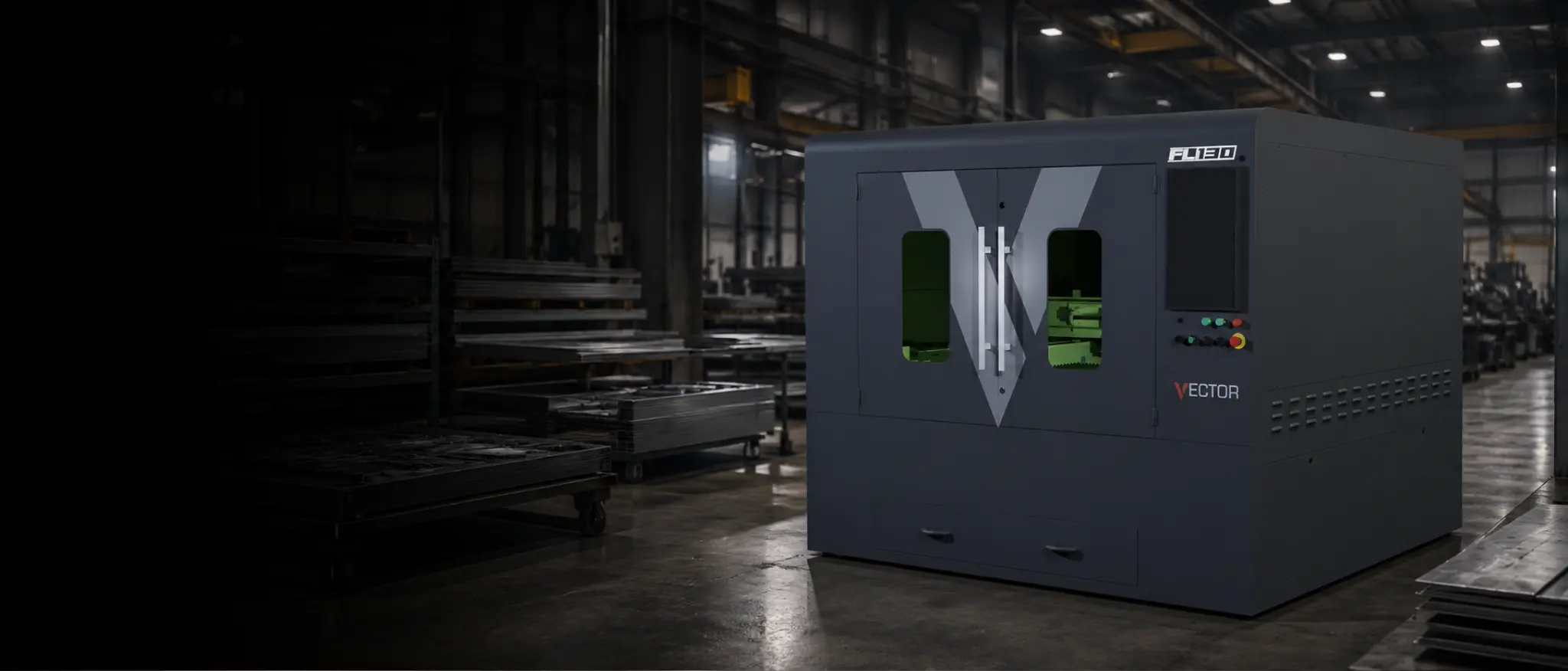
| Vector FL130 | 1300 × 1300 mm | 1.5, 2 or 3 kW | The largest compact Vector format for broader nests |
| Vector FL250 / FL300 | 1260 × 2510 mm / 1500 × 3000 mm | 1.5–12 kW | Enclosed industrial flatbeds, including full 3000 × 1500 mm sheet on FL300 |
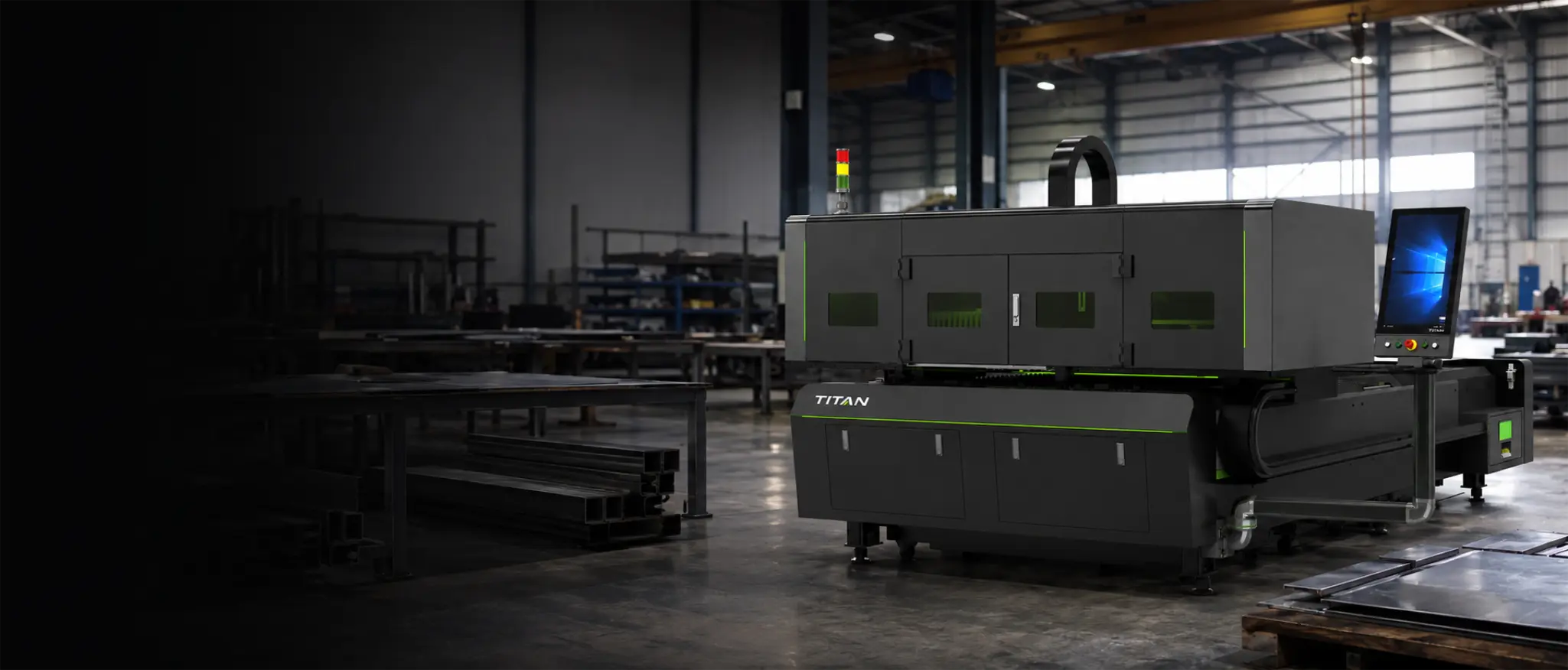
| Titan N Series | 3015, 4020 and 6025 formats | 3–20 kW, model dependent | Single-table flatbeds with open-bed loading and an enclosed gantry cutting zone |
| Titan FB Series | F3015B and F4020A | 3, 6 or 12 kW | Side-door dual-shuttle production with lateral loading access |
| Titan FC Series | F3015C and F6025C | 3–12 kW, model dependent | Dual-shuttle sheet production across 3015 and 6025 formats |
| Titan FP Series | FP3015, FP4020 and FP6025 | Up to 20 kW | Premium dual-shuttle production where output justifies higher-performance motion |
Use the sheet yield calculator for an initial check, then compare the current models on our fibre laser range.
Match power to the everyday thickness mix
More power can improve speed and thick-sheet performance, but higher kW is not always better value. Compare options on your usual materials, thicknesses and assist gas. A faster cut helps little if it leaves extra cleaning or grinding.
Time a complete sheet of your parts, not one demonstration cut. Compare kW options in our power guide and review likely settings with the cut parameter tool. Confirm the final choice with sample cutting.
Single table or shuttle table?
A single-table machine is often the sensible choice for moderate production and mixed work. A dual-shuttle machine lets one table be unloaded and prepared while the other is cutting, which cuts waiting time between sheets. That only pays when you have enough work, material and staff to keep both tables moving.
- Choose a single table when loading time is not holding production back.
- Choose shuttle exchange when sheet changes are regularly leaving the laser waiting.
- Consider side access if it suits your crane, forklift or workshop layout.
- Make sure bending, deburring and packing can keep up with the extra output.
Treat software as part of the machine
Software affects every job, from importing drawings to nesting parts and choosing settings. Let an operator try it during the demonstration. Confirm what is included, whether advanced nesting costs extra and who provides help after installation.
Vector FL60, FL90 and FL130 use Mantech’s UK-designed V-CUT control with V-CAM. Vector FL250/300 and Titan flatbeds use CypCut-based systems, with Titan pairing CypCut software with FSCUT control. Advanced CypNest is available as an option. The best system is the one your team can use confidently for the work you produce.
Specify assist gas, extraction and utilities at the same time
The machine is only one part of the installation. Your quote should also cover assist gas, compressed-air quality, extraction, chiller position and electrical supply. Nitrogen, oxygen and clean, dry compressed air give different results and running costs. Extraction must be matched to the laser power, materials and expected working hours.
Our assist-gas guide compares nitrogen, oxygen and air. You can also review Kemper extraction and the Denair fibre laser compressor for suitable air-cutting applications.
Plan the cell, safety and material flow
Allow space for more than the machine itself. Include table movement, the control station, chiller, extraction ducting, gas or compressor equipment, sheet storage and safe access for operators and engineers. Confirm the floor, electrical supply and delivery route before installation. Safety enclosures, interlocks and viewing protection should form part of the complete machine specification.
The installation requirements guide covers power, extraction, gas and floor space. The fibre laser safety guide covers enclosure and interlocks. Browse installations to see how access and handling work around real machines.
Compare suppliers on what happens after delivery
Support matters when the machine is tied to customer deadlines. Ask who will survey the site, install the machine and train your team. Check where the engineers are based, which service parts are held in the UK and who you contact if production stops. The answers should be clear before you place the order.
Run a useful cutting demonstration
A supplier’s prepared sample tells you little about your own jobs. Bring drawings and representative material, including straightforward parts and something more demanding. Cut complete nests, inspect the edges, time the full process and let the person who will run the machine try the controls. If parts are welded or coated afterwards, test that stage as well.
- Bring three to five typical jobs covering your main materials and thicknesses.
- Include one difficult part with small features, many pierces or a demanding finish.
- Test the assist gas you expect to use in production.
- Record cutting, loading and finishing time — not cutting time alone.
- Ask for a written list of included equipment, optional extras and site requirements.
Build the business case from production figures
Compare the total cost of ownership, not only the machine price. Include finance, gas, electricity, consumables, servicing, filters, labour and software. Then compare those costs with your current subcontract spend, expected material savings and the extra work you can realistically bring in-house.
Use our job cost estimator to price individual parts and the fibre laser ROI calculator to explore the wider investment. Our UK cost guide covers the other items that should be included in a realistic budget.
A final shortlist should answer these questions
- Does the bed accept the sheets we use regularly without wasting material?
- Has the chosen power been tested on our normal materials and complete jobs?
- Will a shuttle table save enough loading time to justify the extra investment?
- Can our operators use the control and nesting software confidently?
- Are extraction, gas, compressed air, electrics and workshop layout covered?
- Are installation, training, warranty, service and spare-parts commitments in writing?
- Does the investment still make sense at a realistic level of use?
Choose a Mantech fibre laser with your own work
Mantech supplies compact Vector machines, full-size Vector and Titan flatbeds, and a dedicated Titan tube laser. Explore the full fibre laser cutter range, call UK 0121 541 1444 · Ireland (+353) 83 804 8820, or send us your drawings, material details and available floor space for a practical recommendation.
Useful next reads
- What can you cut on a fibre laser?
Metals, thickness planning and shop-floor cut videos before you pick kW.
- Cutting stainless and aluminium on a fibre laser
Job fit, nitrogen and reflective heads when those two metals drive the quote.
- Fibre laser power guide
Choose kW from everyday material, thickness and production demand.
- Nitrogen, oxygen or compressed air?
Match assist gas to material, edge condition and running cost.
- UK fibre laser cost guide
Understand the specification and ownership items behind a quote.
Frequently asked questions
What is the best fibre laser cutter for a small UK workshop?
There is no single best model. Start with the sheet sizes, materials and thicknesses you use regularly, then consider the available power and floor space. Vector FL60, FL90 and FL130 offer 600 × 600 mm, 1300 × 900 mm and 1300 × 1300 mm enclosed beds with 1.5, 2 or 3 kW options. Choose the smallest machine that handles your regular work comfortably.
How much fibre laser power do I need?
Choose power around the materials and thicknesses you cut most often, then test it on complete jobs using the planned assist gas. Do not size the machine around one unusually thick part or a headline speed figure. Also make sure your loading, bending and finishing processes can keep up.
Is a shuttle-table fibre laser worth it?
It can be when loading and unloading regularly leave the laser waiting. A shuttle table lets the next sheet be prepared while cutting continues. For moderate use or mixed one-off work, a single-table machine may offer better value and be simpler to operate.
Should I choose Vector or Titan?
Vector covers compact V-CUT machines from 600 × 600 mm to 1300 × 1300 mm, plus larger FL250/FL300 CypCut flatbeds up to 12 kW. Titan covers 3015, 4020 and 6025 production formats with single-table and shuttle-table options, reaching 20 kW on suitable models. Your sheet size, working hours, loading needs and preferred software will decide which range fits best.
What should I send a supplier before requesting a quote?
Send several typical DXF files along with material grades, thicknesses, quantities, required finish and standard sheet sizes. Include your expected weekly hours, current subcontract spend and a measured workshop layout. Ask for full-job trials and a written list covering the machine, options, utilities, extraction, installation, training and support.